Dashboard
The Dashboard is our web-based frontend interface that provides a centralized place to manage your cloud resources, projects, and organization settings. It offers a user-friendly way to interact with and control your cloud environment.
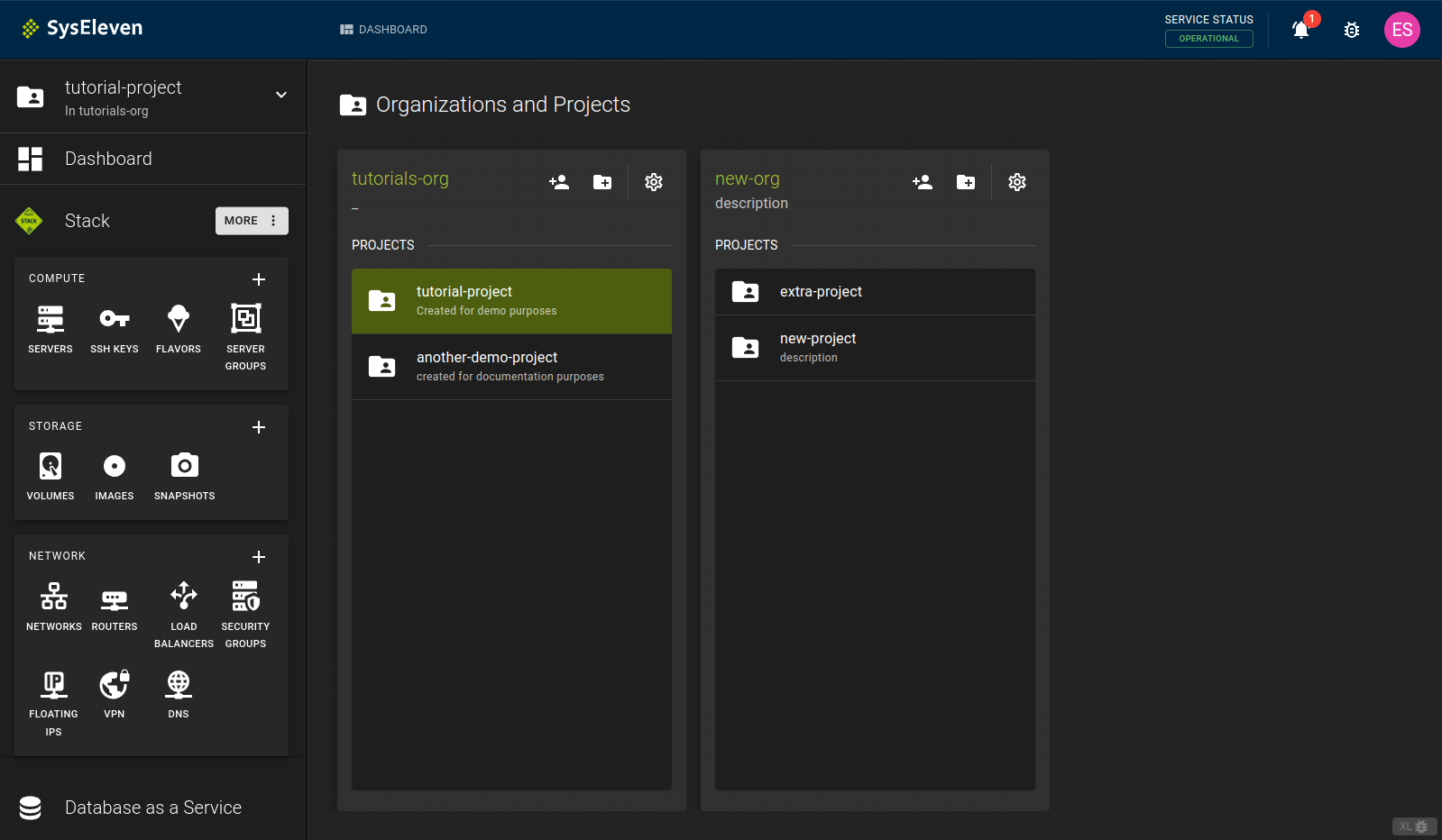
Key Features
-
Organization Administration - Manage organization members and their roles - Configure organization-wide settings - View consolidated billing and usage reports
-
Project Configuration - Create and manage projects within your organization - Set project-specific quotas and access controls - View project-level resource usage and billing information
-
Resource Management - Create, change, and delete cloud resources (for example, instances, volumes, networks) - Track resource usage and performance - Scale resources up or down as needed
-
Access Control - Integrate with Identity and Access Management (IAM) settings - Assign and manage user permissions - Set up multi-factor authentication
Getting Started with the Dashboard
- Log in to the Dashboard
- Familiarize yourself with the main navigation menu and dashboard layout
- Explore the sections and features available
Early Access Features
The dashboard is constantly evolving. Some features are still in preview and may change. To toggle these features, click on the JUMBO button in the bottom right corner of the dashboard. You can then select the features you want to enable or disable.
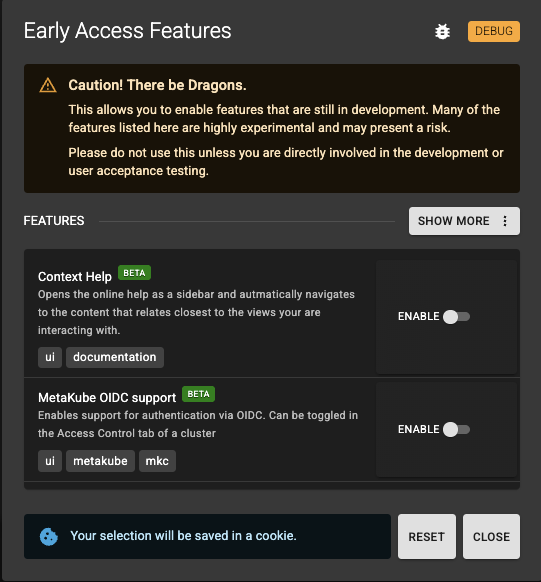
Info
The dashboard saves the feature toggle in a cookie. This means that you need to toggle the features when you use a different browser or private window.
For more information, see our products page, where we describe product usage via the dashboard in detail.