Regions
Overview
- Regions are available to all customers.
- Currently 3 regions are available.
- The Horizon Dashboard "Overview" shows the resources of the currently selected region.
- Resource limits may vary between regions, in some cases effectively preventing the practical use of (a) region(s).
The current 3 regions are:
cbk(Berlin)dbl(Berlin)fes(Frankfurt)
Newer regions, such as dus2 (Düsseldorf) and ham1 (Hamburg), are documented separately.
Goal
- Select Region via Horizon Dashboard
- Select Region via CLI (OpenStack client)
Select via GUI
Prerequisites
- You need to have the login data for the OpenStack Cloud API (username and passphrase).
How to select?
- Log in to the Horizon Dashboard using the username and password (API credentials) that were provided by us.
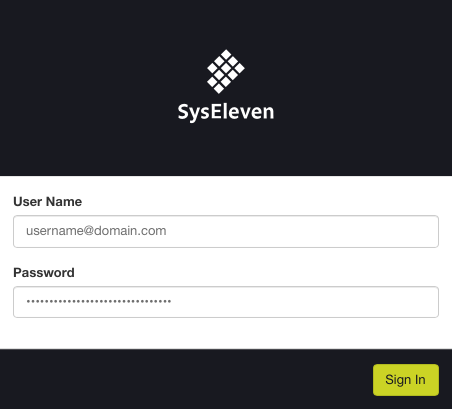
- To select a region via the dashboard, go to the dropdown menu at the top of the dashboard.
- There select the region (cbk / dbl / fes).
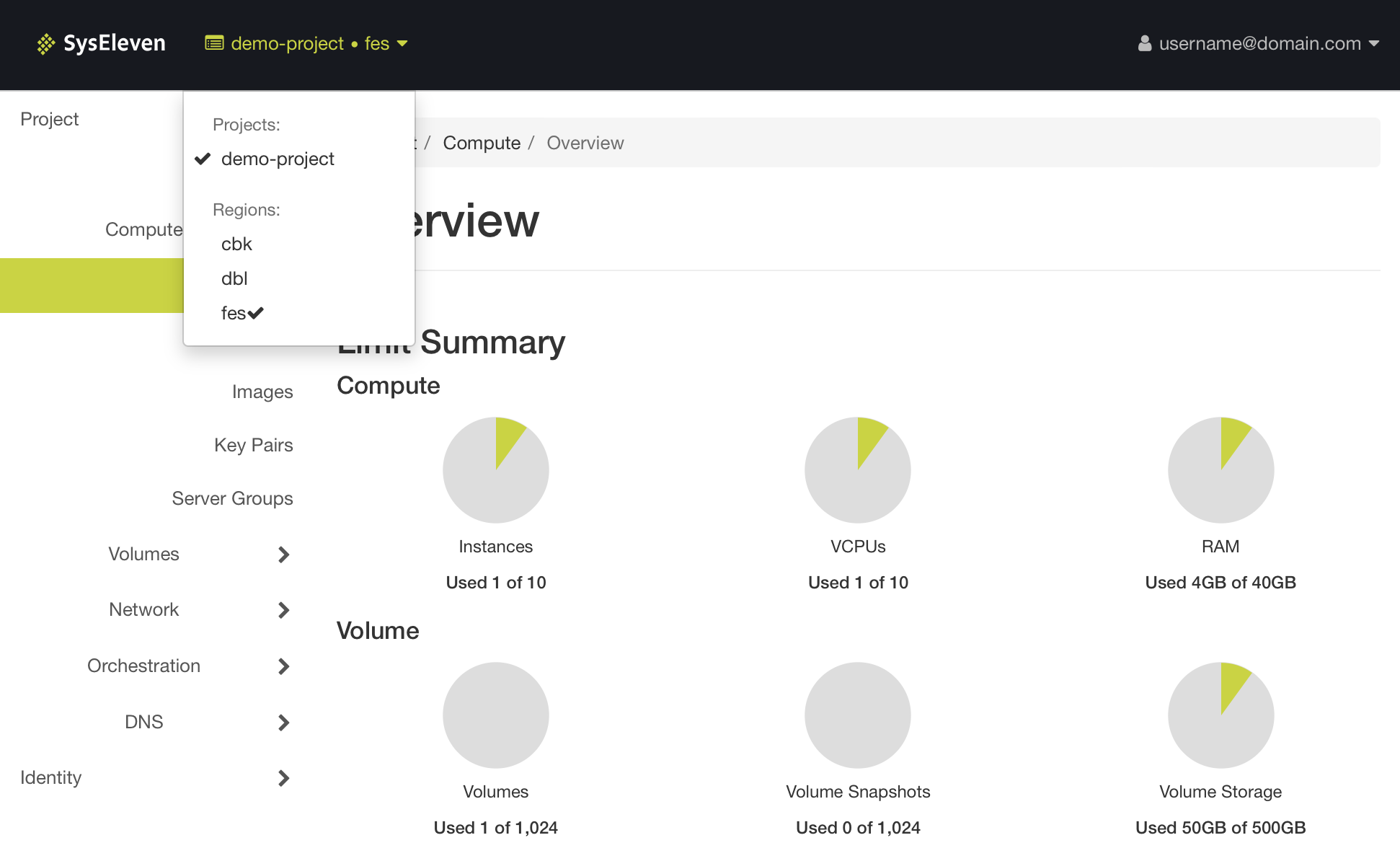
Once the region is selected you can start creating resources in that region.
Select via CLI
Prerequisites
- You need to have the login data for the OpenStack Cloud API (username and passphrase).
- The OpenStack CLI-Tools are installed in an up-to-date version.
- Environment variables are set, like shown in the API-Access-Tutorial.
How to select?
The default region is defined in the 'openrc' file in the environment variable OS_REGION_NAME.
For your own comfort you can create one 'openrc' file per region and adjust OS_REGION_NAME in each file.
Using the username and password (API credentials) that were provided by our source the 'openrc' file and enable the CLI client to talk to the OpenStack Cloud.
When using the OpenStack client you can select the region by setting the OS_REGION_NAME variable accordingly. As an alternative you can override it with the command line option --os-region-name <region name>.
Note
If you don't specify any region name in the openrc file or on the command line, the OpenStack client may pick a region in an unpredictable way, depending on what service you try to use.
The following example shows how to use it:
# openstack --os-region-name <region name> <openstack sub command>

openstack --os-region-name cbk server list
+--------------------------------------+--------------+--------+-------------------------------------------+-------------------------+----------+
| ID                                   | Name         | Status | Networks                                  | Image                   | Flavor   |
+--------------------------------------+--------------+--------+-------------------------------------------+-------------------------+----------+
| 9cdf2a81-0271-4b6f-aa3e-61asdas51dsa | lampserver   | ACTIVE | lampserver-net=10.0.0.14, 185.56.132.xxx  | Ubuntu Server 22.04 LTS | m1c.tiny |
+--------------------------------------+--------------+--------+-------------------------------------------+-------------------------+----------+

openstack --os-region-name dbl server list
+--------------------------------------+--------------+--------+-------------------------------------------+-------------------------+----------+
| ID                                   | Name         | Status | Networks                                  | Image                   | Flavor   |
+--------------------------------------+--------------+--------+-------------------------------------------+-------------------------+----------+
| 18e28c13-999e-4389-92ce-asd1das1das5 | lampserver   | ACTIVE | lampserver-net=10.0.0.11, 195.192.128.xxx | Ubuntu Server 22.04 LTS | m1c.tiny |
+--------------------------------------+--------------+--------+-------------------------------------------+-------------------------+----------+
Once the region is selected you can start using resources via API and templates.