Supported Operating Systems
The default operating system for MetaKube clusters is Ubuntu. You can also create clusters with Flatcar. We provide images for the latest tested release of all operating systems.
Note
Using your own images is possible, but not supported.
For more information on supported images and how to upload your own see the OpenStack Cloud documentation.
Supported Operating Systems and Versions
Info
The list of supported operating systems is maintained at this documentation.
Timezone
The timezone on all provided images is UTC. To set a different timezone you have to use your own image, though using UTC is generally recommended to not run into problems with daylight saving times.
Flatcar
On Flatcar updates are applied automatically (though this can be disabled when creating a NodeDeployment). For more information see Flatcar.
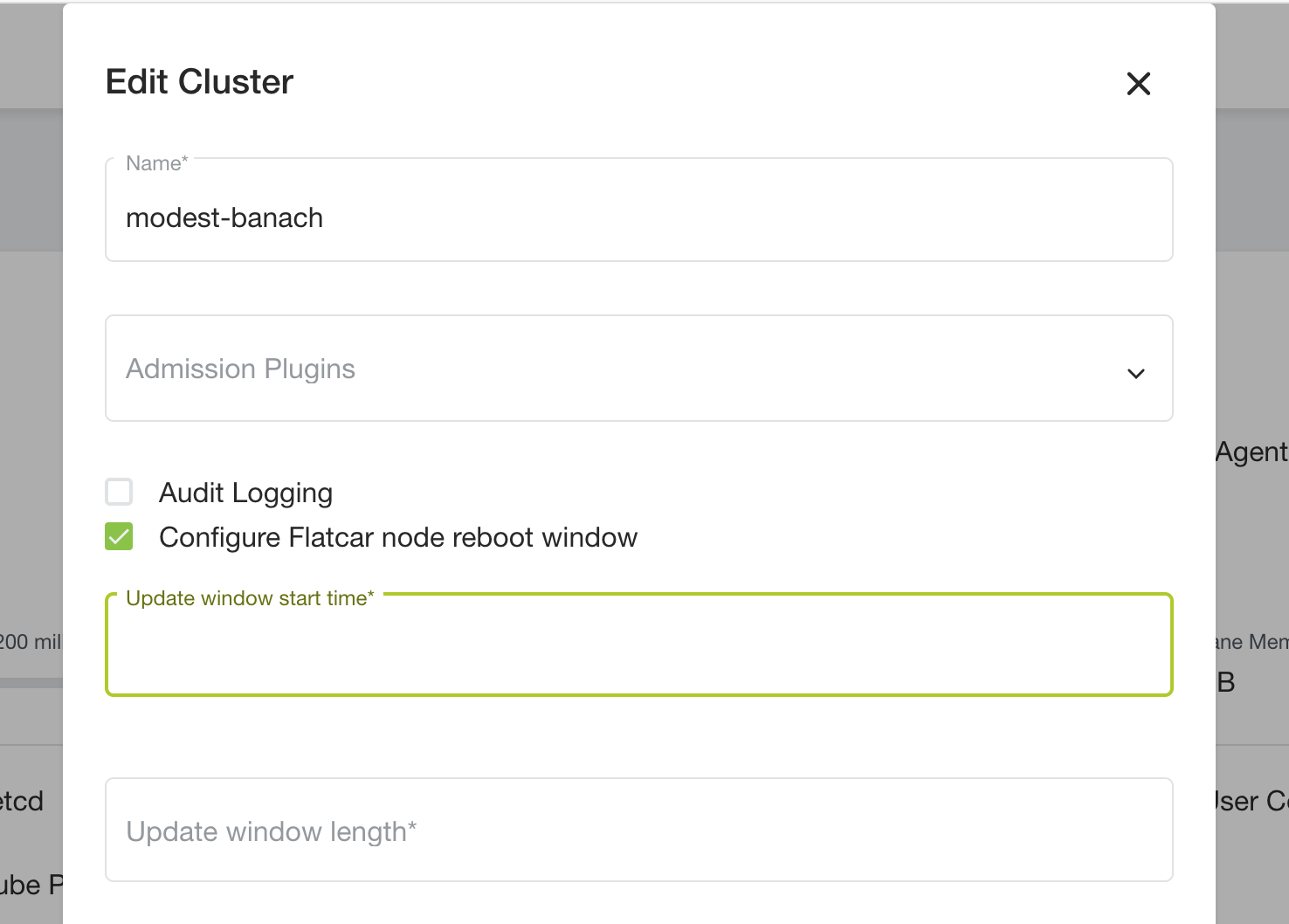
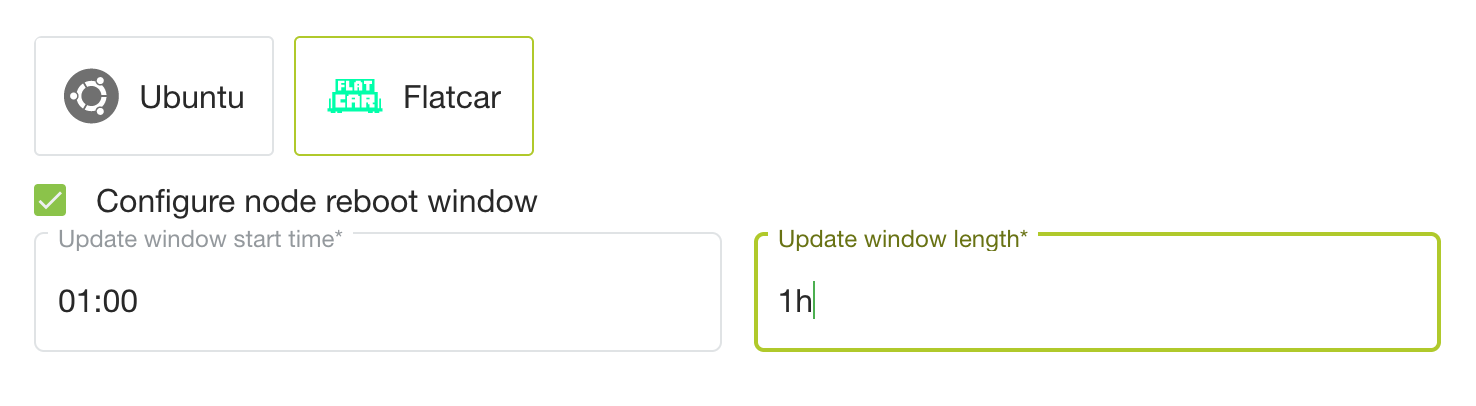
If an update requires a reboot of the node, MetaKube will drain the node and reboot it after all Pods have been rescheduled. It is also ensured that only one node is rebooted at a time. By default, this can happen at any point in time. Optionally you can configure a time window where these reboots occur.
Info
This updates the Flatcar version running on the node. The image (for example Flatcar Stable (xxx)) stays the same. This means new nodes will not automatically use a newer image. Adjust it in the NodeDeployment to use the newest image available.
This is possible either in the "Settings" step of the cluster creation wizard
or for an existing cluster, in the "Edit cluster" dialog.