Registration and Login
To gain access to MetaKube you need to register for OpenStack Cloud. If your company already has a Cloud project and you want to add accounts for more team members, please contact our support.
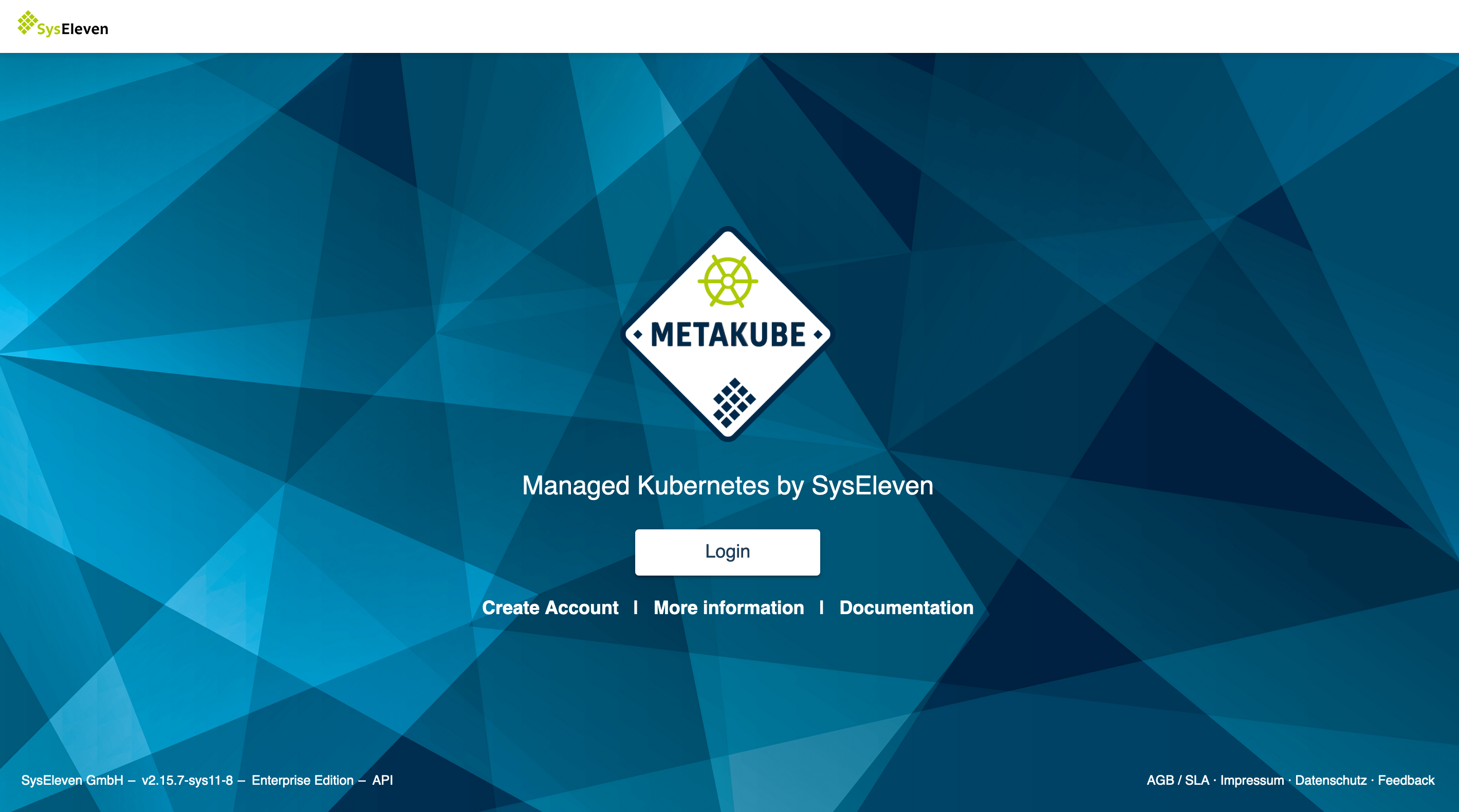
Once you have access to the OpenStack Cloud, open a web browser and visit the MetaKube dashboard. You will be greeted by a Login button:
Click on the button, enter your OpenStack Cloud credentials and start using MetaKube, for example by creating your first cluster.