SSH-Keys
SSH keys provide secure, password-less access to underlying nodes in a MetaKube Kubernetes cluster, useful for advanced troubleshooting or maintenance. While SSH keys help with administrative tasks, MetaKube doesn't require an SSH key to create clusters, because Kubernetes itself handles most management tasks without needing direct node access.
List SSH Keys
 To list SSH Keys click on the SSH Key icon in the sidebar
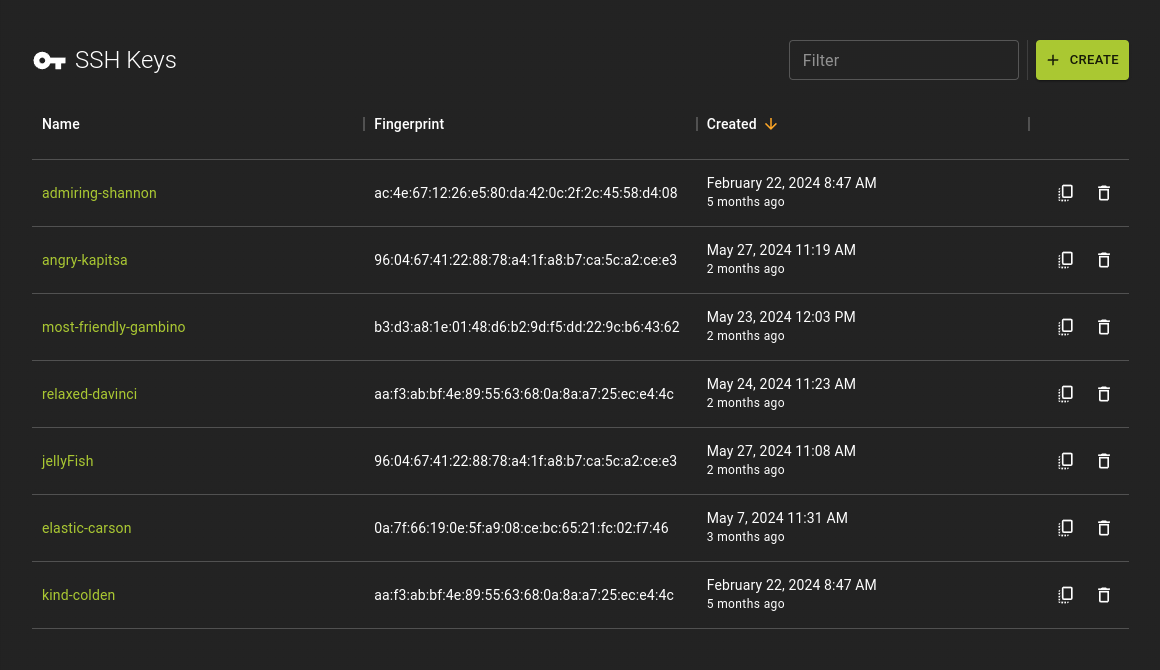 From the list you can:
- Click on a key name to access its detail page
- Use icon to copy the public key to your clipboard
Usage
Create SSH Key
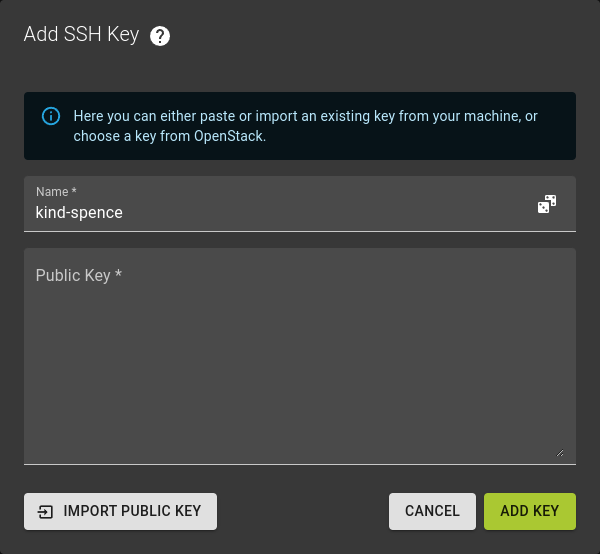 To create an SSH Key click on the Create button in the title bar of the SSH Key list.
The dialog that appears provides several options for adding a new SSH key.
- Manually paste the public key into the provided text area
- Enter the name for the key
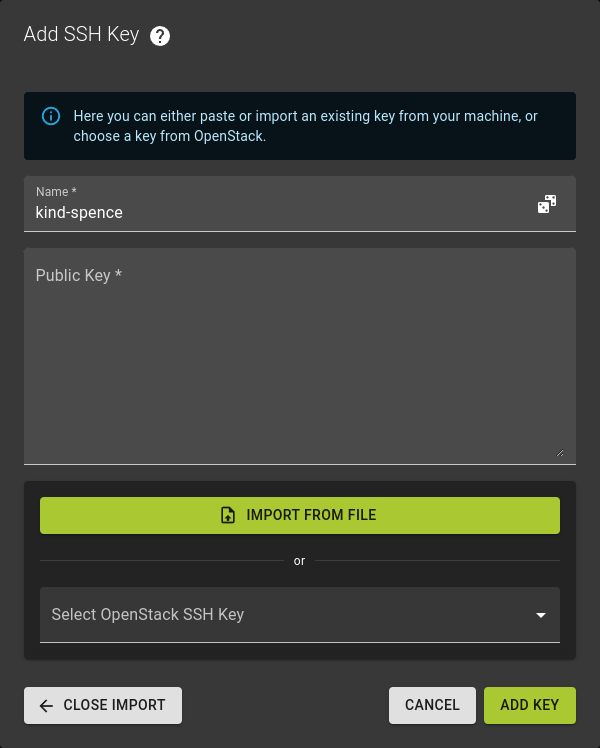 Alternatively, you can import the key by clicking the Import Public Key button.
From there, you can:
- Choose an available key from the OpenStack dropdown menu
- Select a file containing a valid SSH key
Complete the process by clicking the Add Key button to finalize the addition of your SSH key.
Usage
Inspect SSH Key
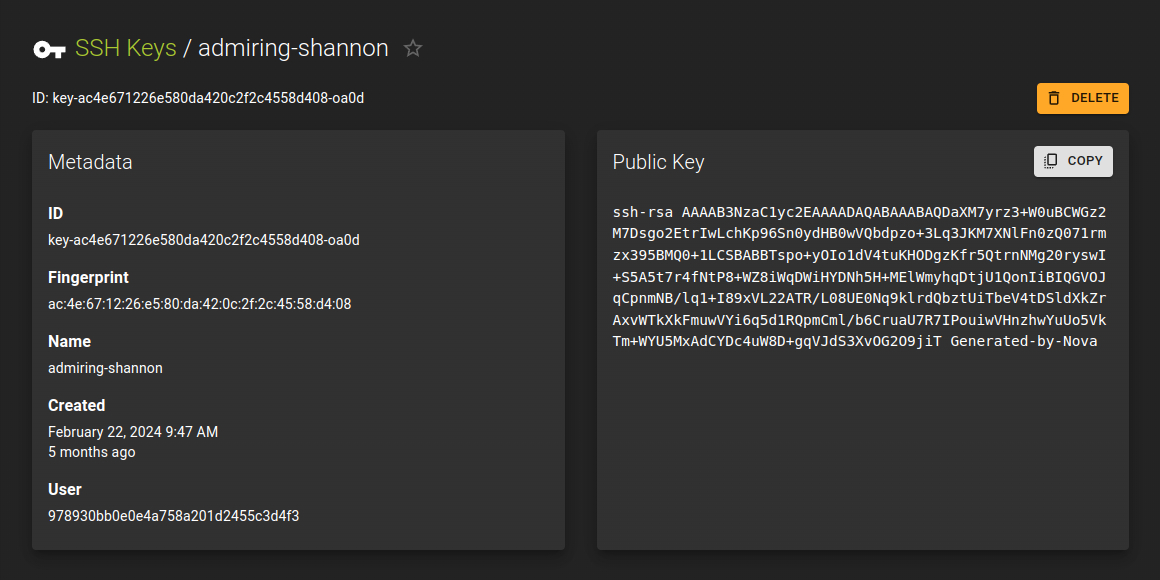 The SSH Key Details page provides an in-depth view of a selected SSH key. On this page, users can:
- See comprehensive information about the key, including its name and any associated metadata
- Access the full public key text, which is displayed for reference or copying
Usage
Delete SSH Key
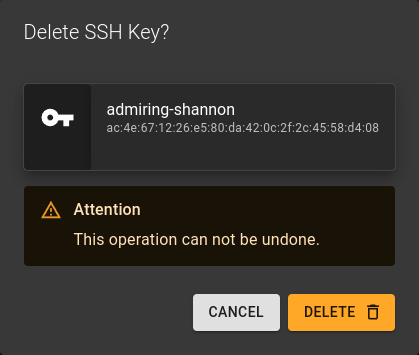 Here's how to delete an SSH key:
- Click the icon in the SSH Key list
- Alternatively, on the SSH Key details page, click the delete button in the title bar
- Confirm the deletion by clicking the DELETE button in the confirmation prompt
Usage