Delete a Cluster
Overview
To delete an existing cluster, you need to log on to the MetaKube Dashboard. To make sure that you do not accidentally delete a cluster, there are a few checks before the actual deletion starts.
Prerequisites
To upgrade a cluster, you need to have an existing cluster with us, which does not have the latest release for either control plane components or worker nodes or both login page.
Steps
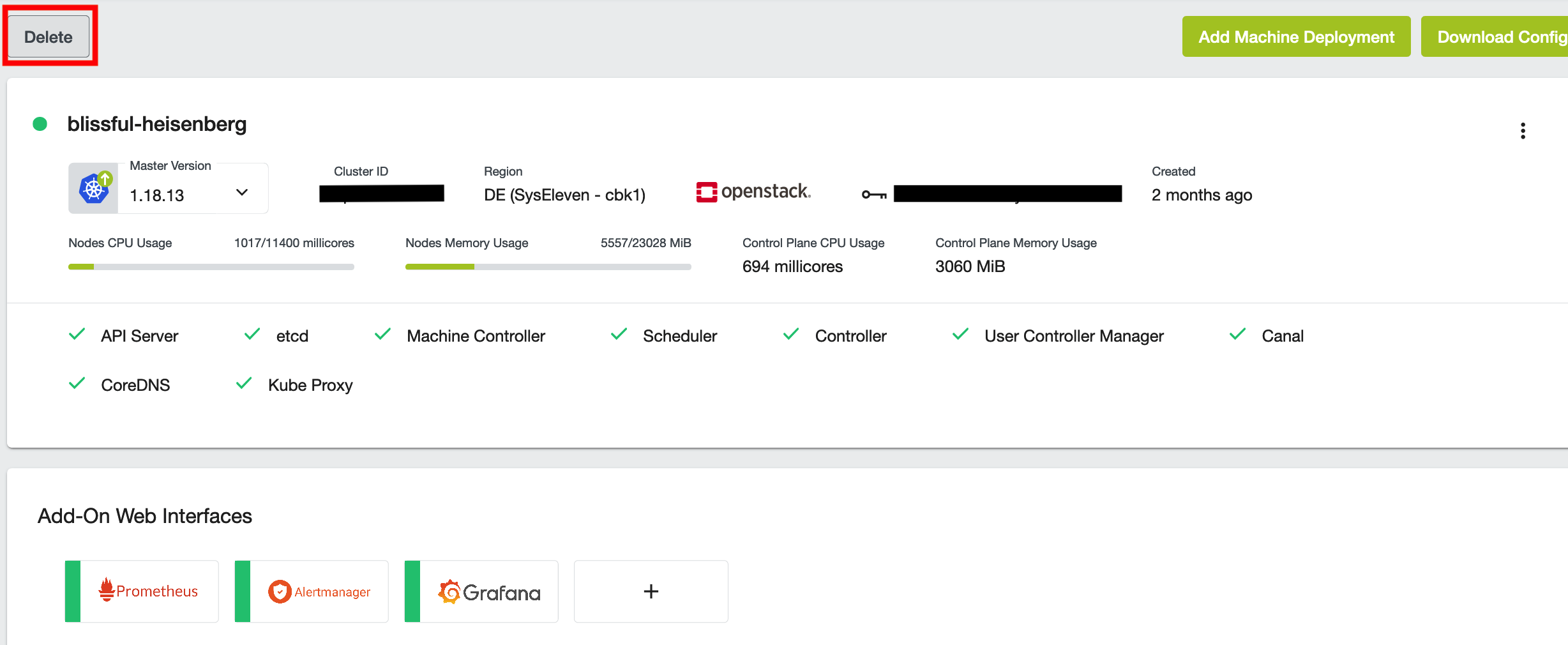
To delete a cluster, from the clusters view choose the cluster that you would like to delete. On the top left is a button delete:
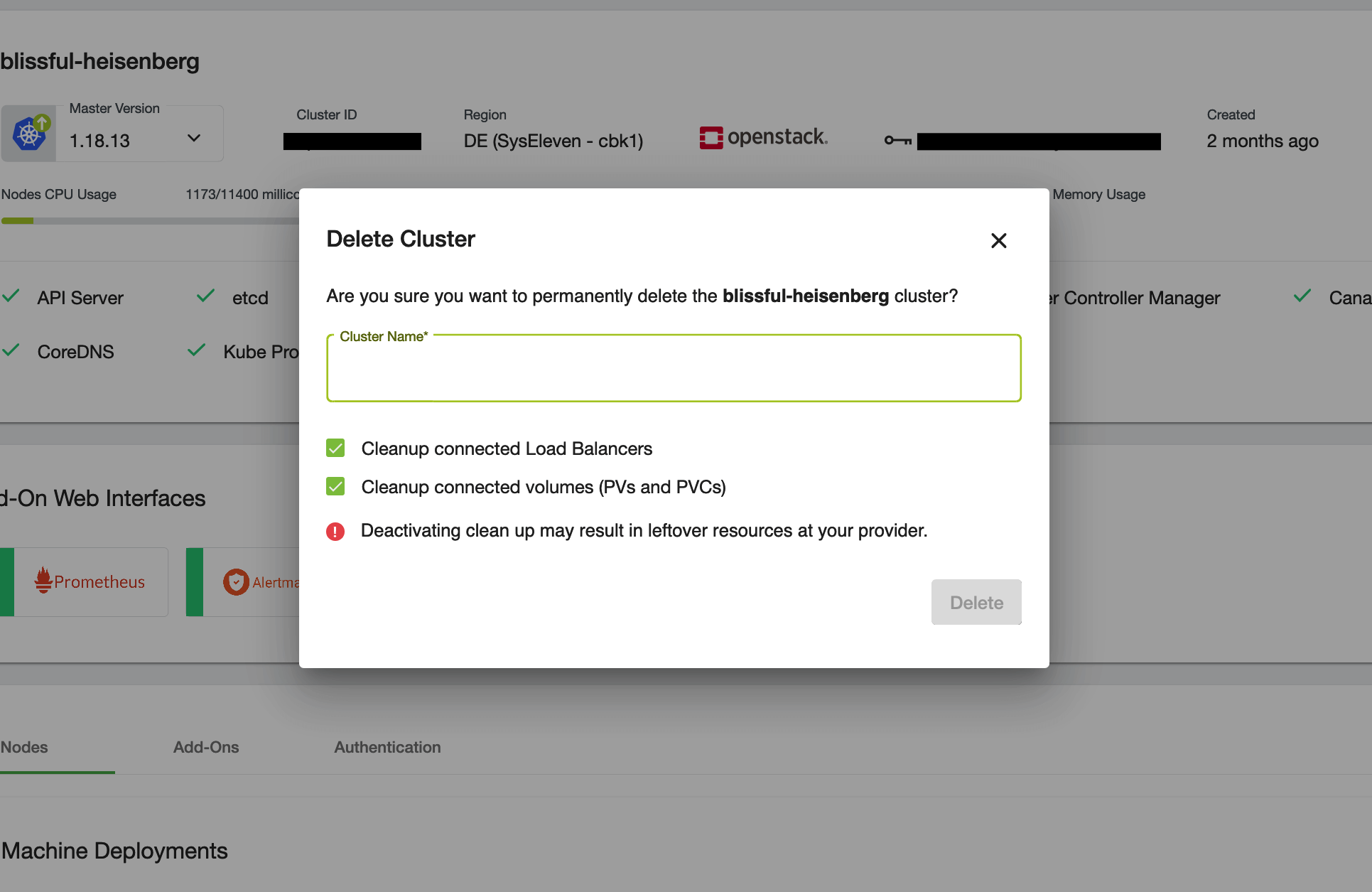
To confirm the deletion, type the name of the cluster into the text box:
The cluster will switch into deletion state afterwards, and will be removed from the list when the deletion succeeded.
Validation
Check if the nodes are still available
In the UI the cluster will not appear any more.
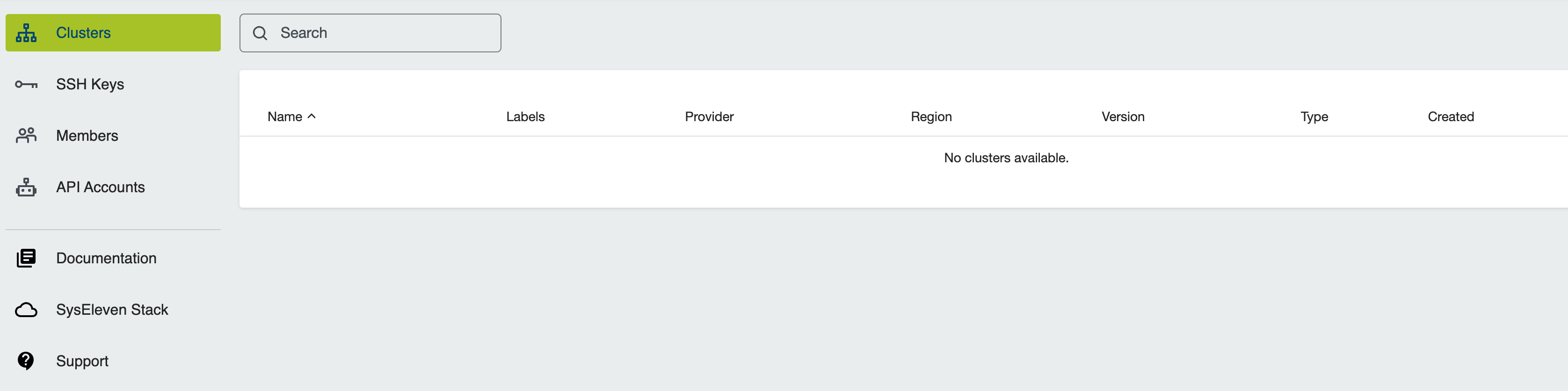
You can also check via console commands
Clean-up
There is no clean-up for this How-To, because the cluster is already deleted.