Download and set up the kubeconfig
Overview
In this How-To, you will download the kubeconfig and add it to your system environment, so that you can access your project from your local system. This is a requirement for most of the following tutorials, so there will not be a clean-up after this How-To.
Prerequisites
You have created a MetaKube cluster.
Steps
To download the kubeconfig, from clusters view select the correct cluster. On the top right you can find a button Download config:
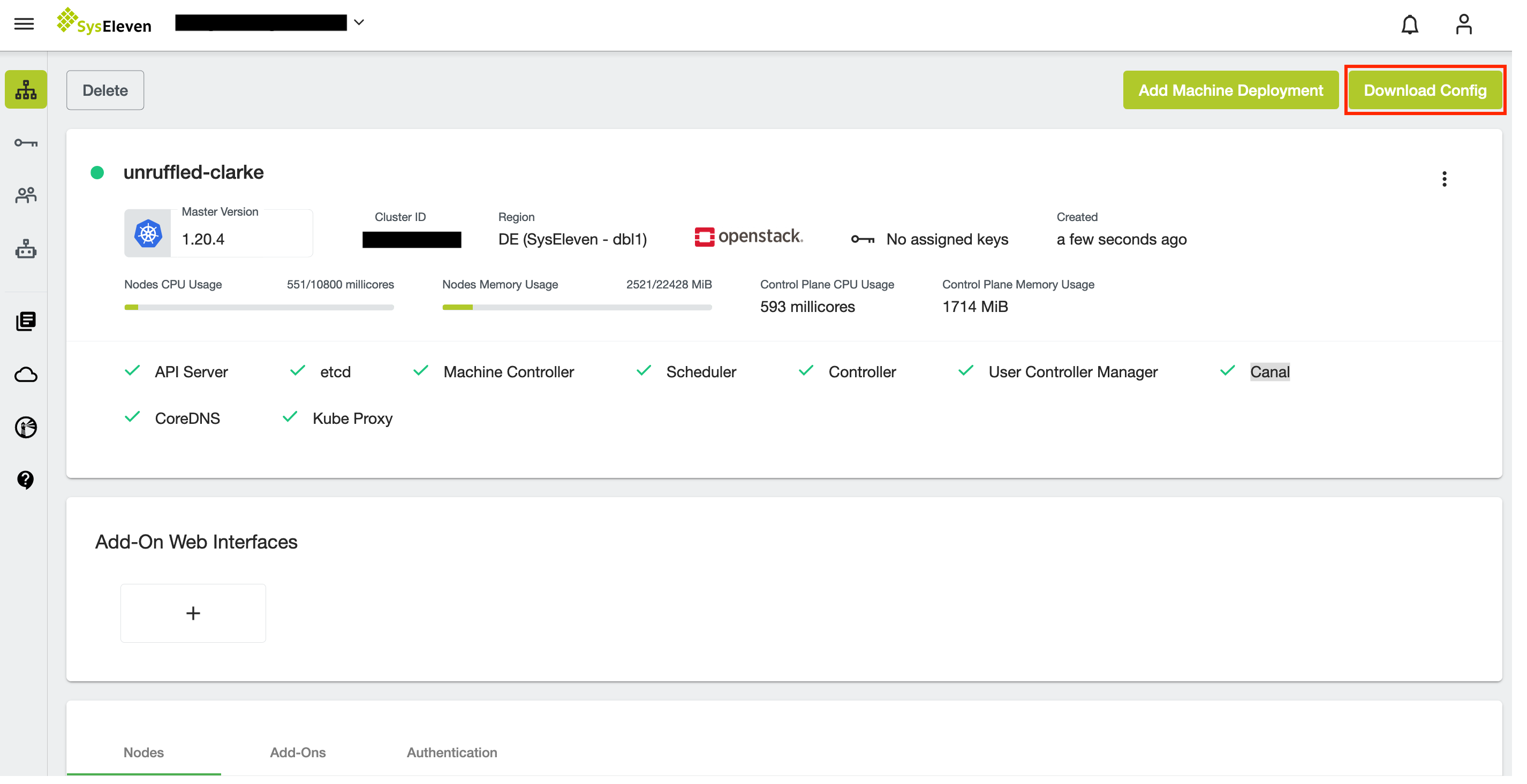
The token in the kubeconfig gives you full admin rights within the Kubernetes cluster.
To invalidate the token, please check Revoke the admin token.
Copy the downloaded kubeconfig to a directory which makes sense in your local setup (for example /Users/johndoe/MetaKube/kubeconfig)
Test the kubeconfig by setting KUBECONFIG in your current shell environment:
```bash
export KUBECONFIG=<path to your kubeconfig file>
```

Test the result by running this:

```bash
kubectl get nodes -o wide
```
Info
If you want to permanently set the path to the kubeconfig file, set the KUBECONFIG parameter in your .profile or equivalent.
Revoking a token
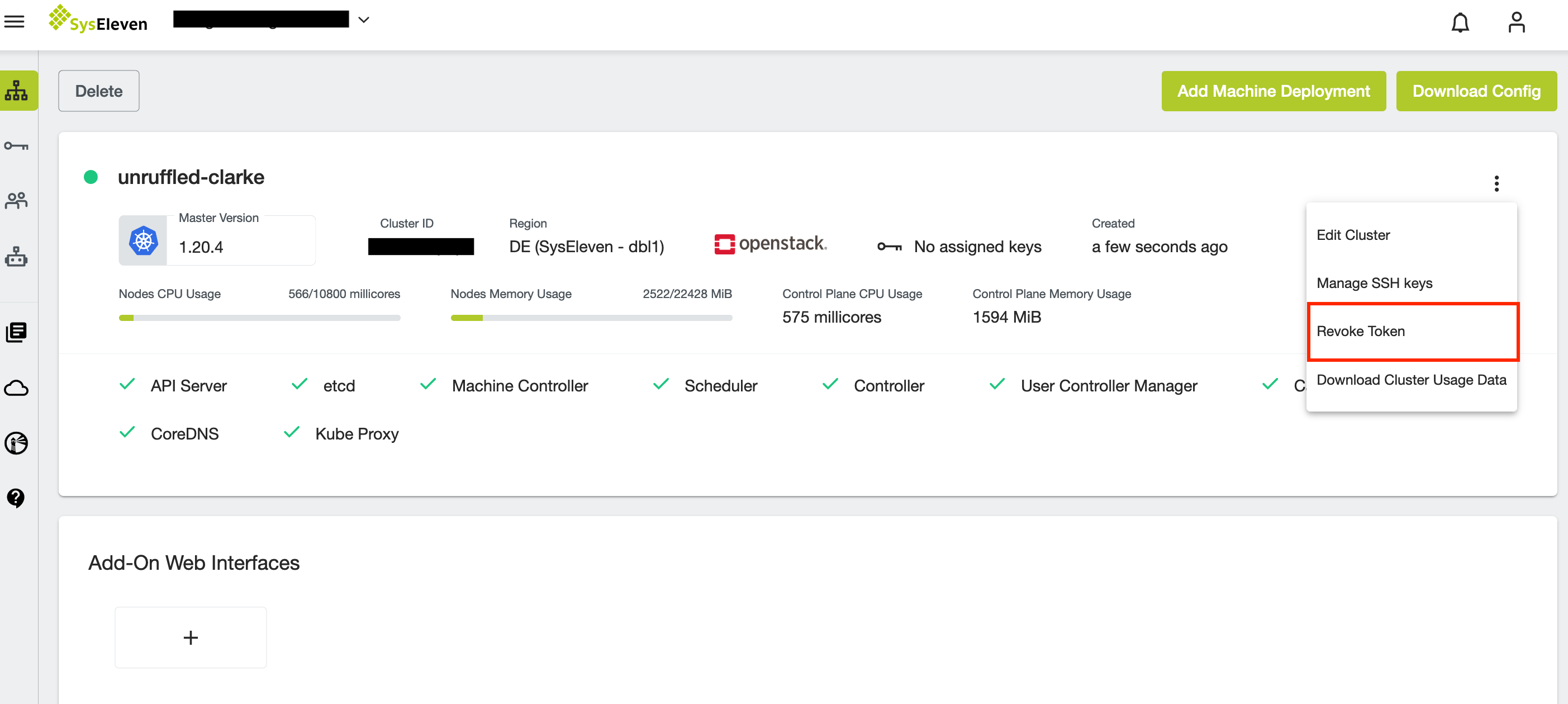
You can change the admin token by revoking the existing one on the cluster detail page. Already downloaded kubeconfigs are not valid anymore then and need to be re-downloaded:
Clean-up
There is no clean-up for this How-To, as you will need this for most of the upcoming tutorials.