Getting-Started
Overview
This guide explains how to launch a single instance with pre-installed OpenStack client using the Horizon Dashboard. The kickstart instance contains all necessary tools to get started with the OpenStack client.
Goal
- Launch a jumphost/kickstart instance via Horizon Dashboard
- Automated installation of the OpenStack client in the new instance
Prerequisites
- You need to have the login data for the OpenStack Cloud API (username and passphrase)
- Knowledge how to use a terminal/SSH and SSH-keys
Import SSH keys
- Upload your SSH key(s) to the Horizon Dashboard - see the How-To article on importing SSH-keys
Launch Stack
- Log in to the Horizon Dashboard using the username and password (API credentials) that were provided by us.
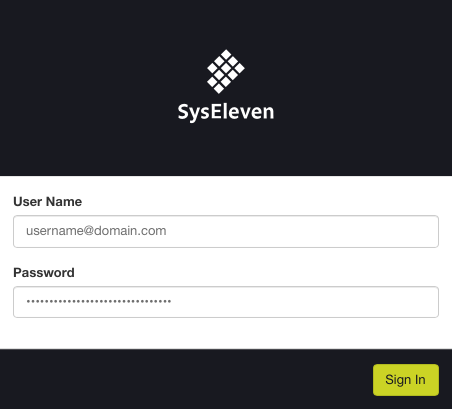
- To launch the example stack using the dashboard go to "Project" → "Orchestration" → "Stacks".
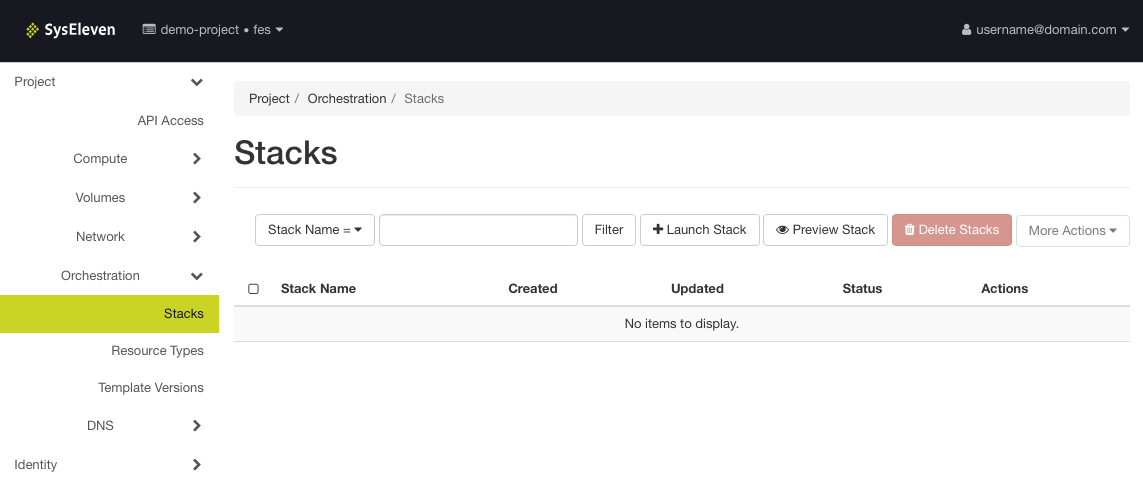
- Click the button "Launch Stack"
- Select "URL" as "Template Source"
- Copy the URL of the example code file
https://raw.githubusercontent.com/syseleven/heat-examples/master/kickstart/kickstart.yaml - Paste the copied URL into the field "Template URL"
- Select "File" as "Environment Source"
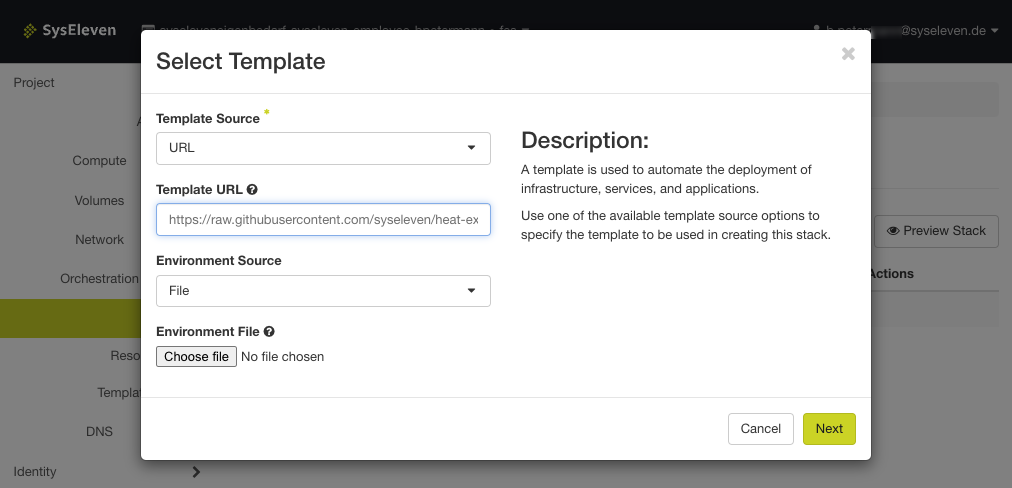
- Click "Next"
- Write a name for this stack into the field "Stack Name"
- Write the name of your SSH key that you uploaded to the Horizon Dashboard - see Import SSH key(s)
- Click on "Launch"
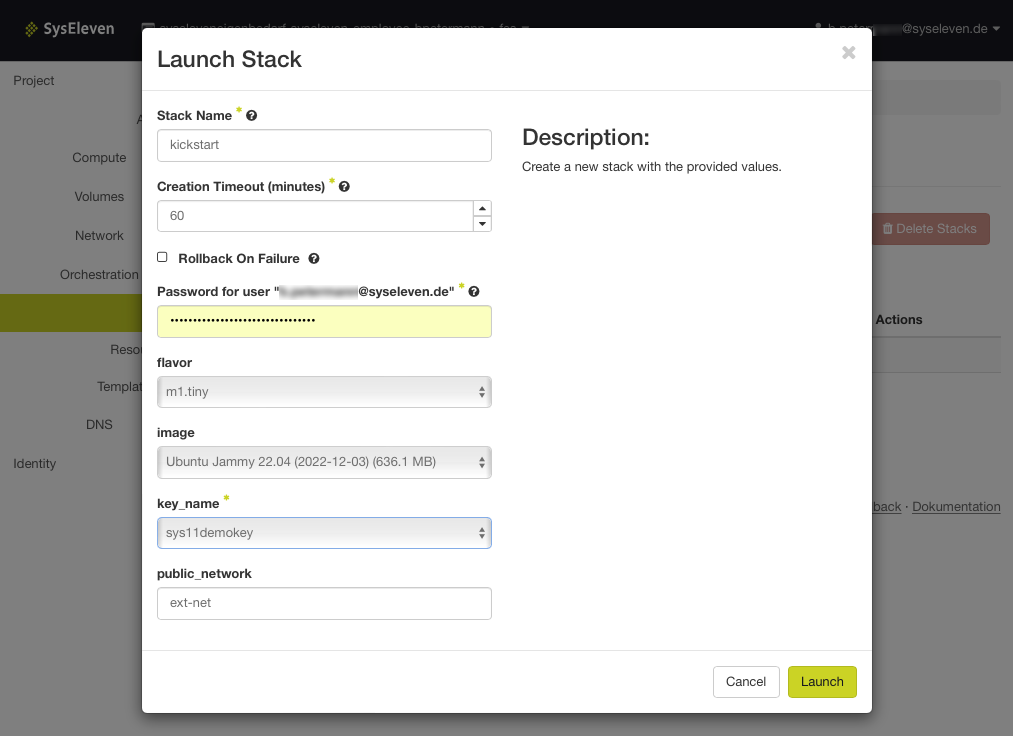
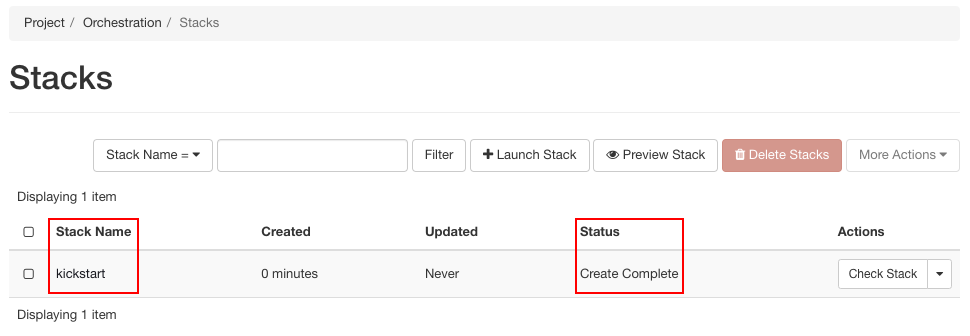
- Verify that the stack status is "Create In Progress" or "Create Complete"
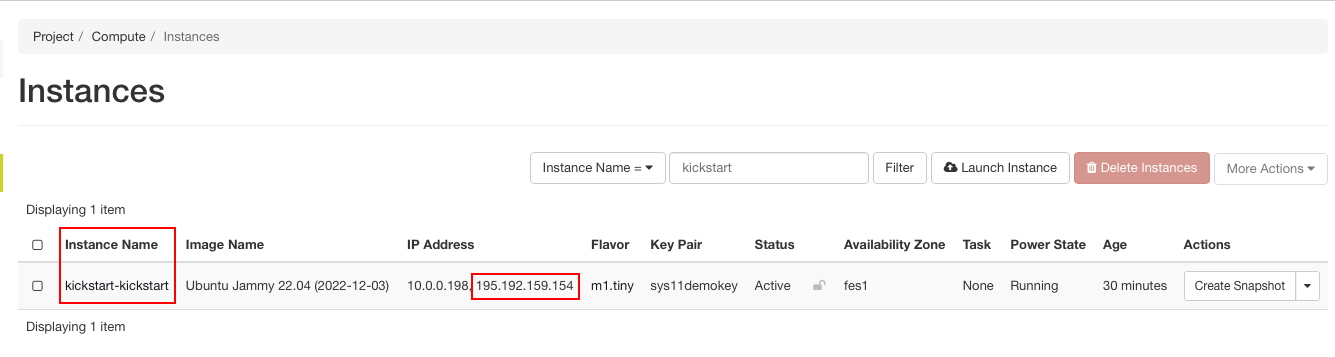
- Go to "Compute" → "Instances" to retrieve the floating IP that is required to access the instance via SSH and copy the floating IP of the kickstart server
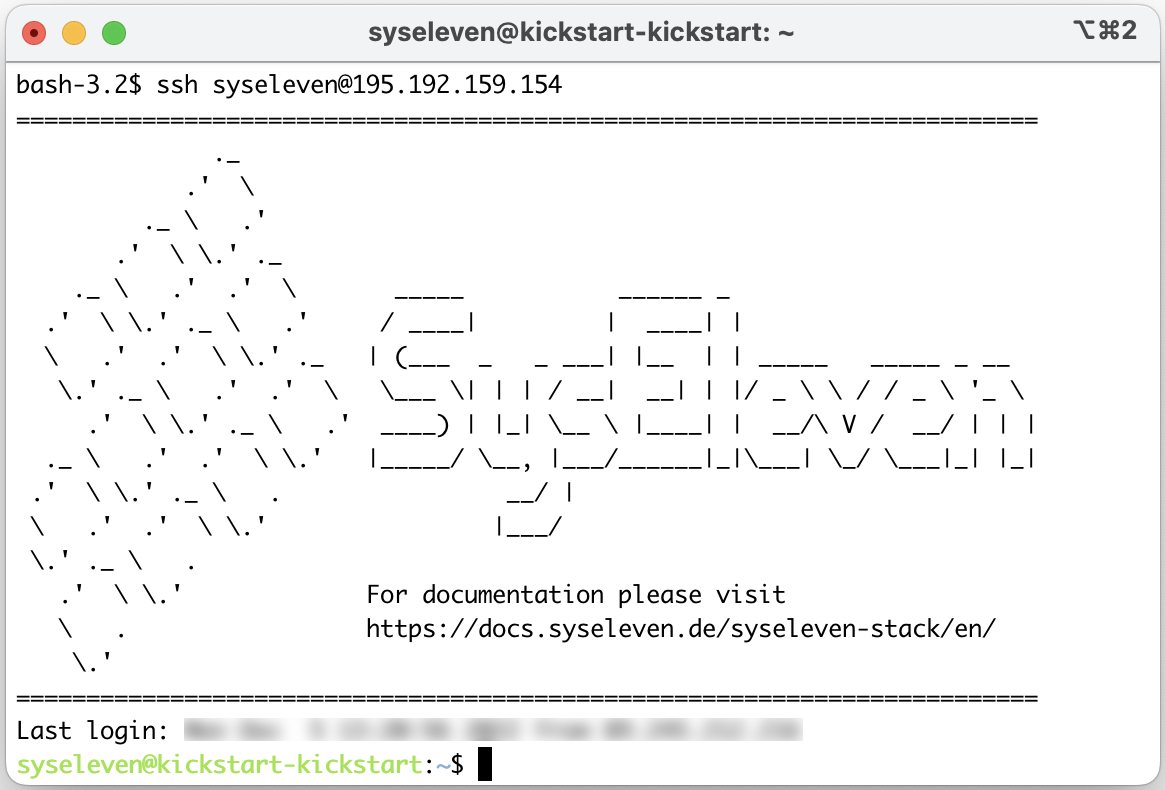
- Open a terminal of your choice and log in to the instance via SSH with the username
syseleven
ssh syseleven@<floating-ip> -i ~/.ssh/<private-ssh-key>
- You should now be logged in your instance via SSH
Conclusion
You launched an OpenStack instance using a simple IaC (Infrastructure as Code) heat example template.
This instance can be used as "jumphost" to work with the OpenStack client CLI. All required tools are pre-installed already.
The instance is available via SSH and ready to be used for further tasks.