Contacts
Contacts are individuals who receive specific roles within your organization for support and billing purposes. They can hold either technical or billing roles, or both. Contacts differ from organization members: while members have access to the platform, contacts handle support and billing interactions.
List Contacts
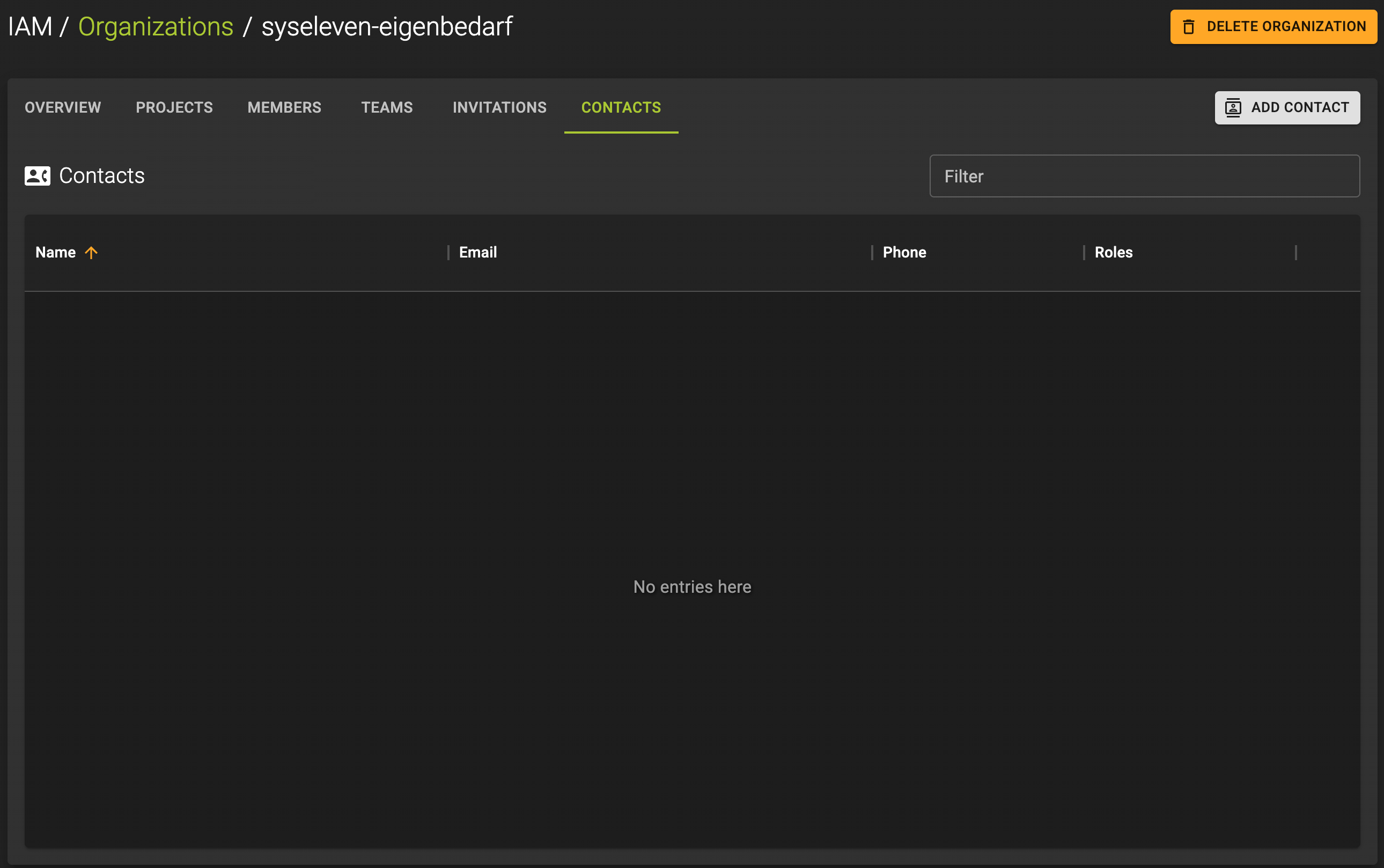
To list all contacts navigate to the contacts overview.
- Either click the logo to go to the splash screen. This is also the default view when you log in to the UI.
- Click on the project selector in the sidebar to open the dropdown. Here you will find all organizations and projects you are participating in.
See the IAM Terraform documentation for more information.
Create Contact
A contact in Cloud is a designated individual who can interact with our support team for specific purposes. This guide walks you through the process of creating a new contact.
To create a new contact:
- Navigate to the organization management page
- Click on the
Teamstab - Click the ADD CONTACT button
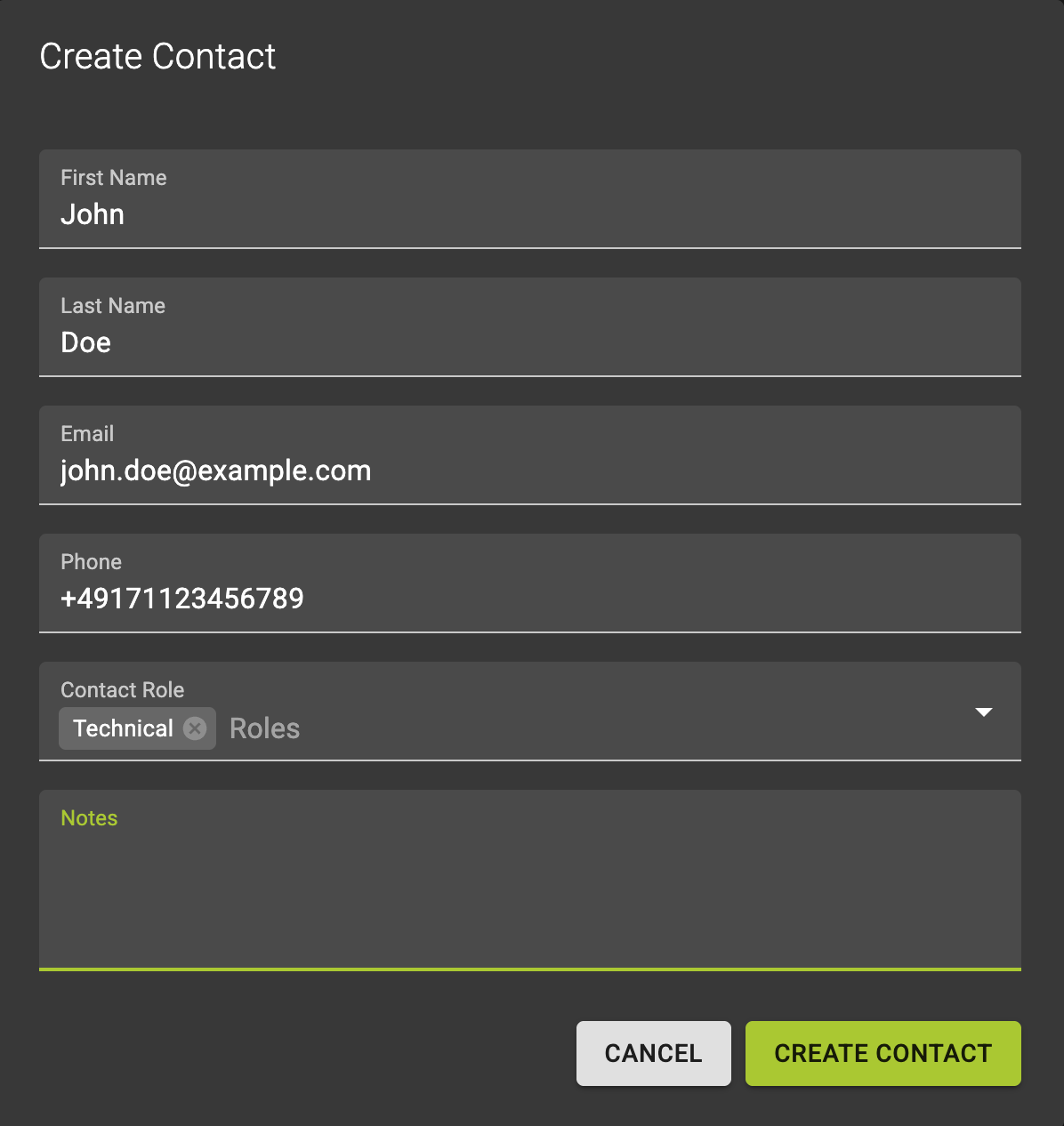
In the emerging dialog:
-
Fill in the required information:
- Name: The full name of the contact person
- Email: The contact email address
- Phone: The contact phone number
- Role: Select either or both roles:
- Technical: Allows the contact to perform support operations within your organization. This contact also receives maintenance emails
- Billing: Grants the contact authority to handle billing-related topics. This contact also receives billing-related emails
- Notes: Optional field to add additional information about the contact
-
Click the Create Contact button to finalize the process.
Contact Management
- You can add as many contacts as needed for your organization
- Contacts can hold multiple roles
- Technical contacts can direct support operations
- Billing contacts can update billing information via support
- To manage who can edit contacts, see Organization Members
See the IAM Terraform documentation for more information.
View and Modify Contact
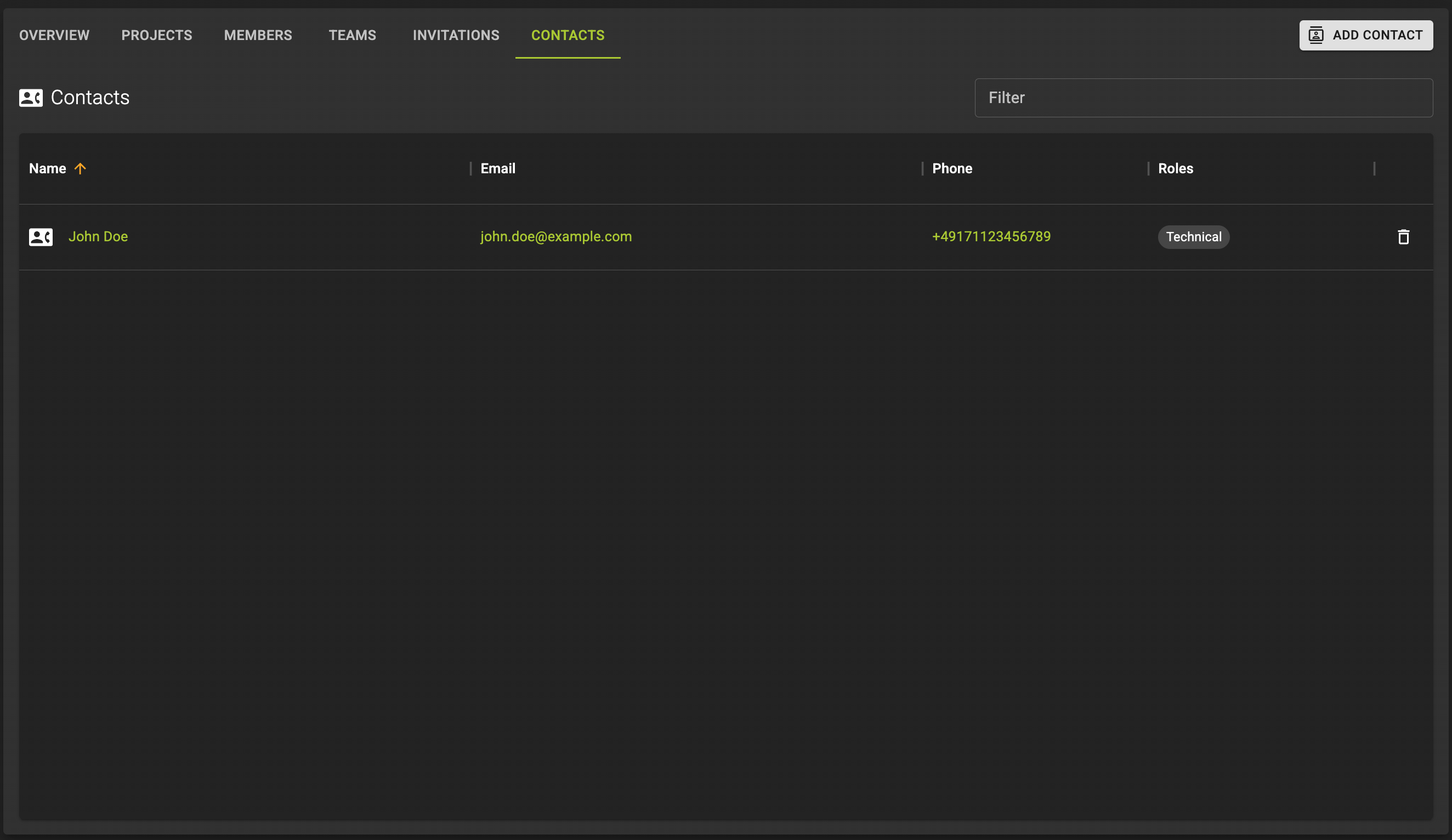 To manage a contact, navigate to the contact details page.
Here you can:
- Update contact information
- Modify roles
- Add or edit notes
- Delete the contact
See the IAM Terraform documentation for more information.
Delete Contact
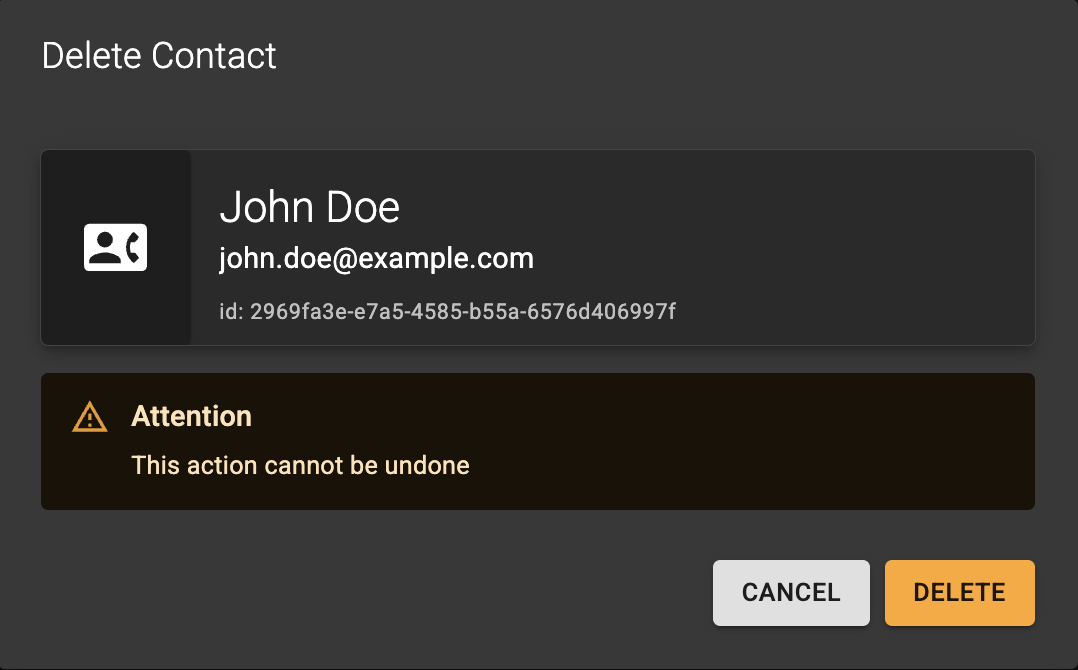
To delete a contact:
- From the list of contacts: click the icon
- On a contact's detail page: click the Delete Contact button
Confirm the operation in the emerging dialog:
- Enter the name of the contact you are trying to delete
- Click the Delete Contact button
See the IAM Terraform documentation for more information.