S3 Users
To access object storage you need an S3 user. All buckets and the objects within belong to that S3 user.
S3 users exist within the scope of a project.
S3 users can hold sets of credentials that you can share with others and invalidate individually.
Object storage improvements
We are working on improving the object storage experience. Further information will follow.
List S3 Users
Permission required
- You will need the necessary permissions to perform this operation.
- For details refer to the authorization model
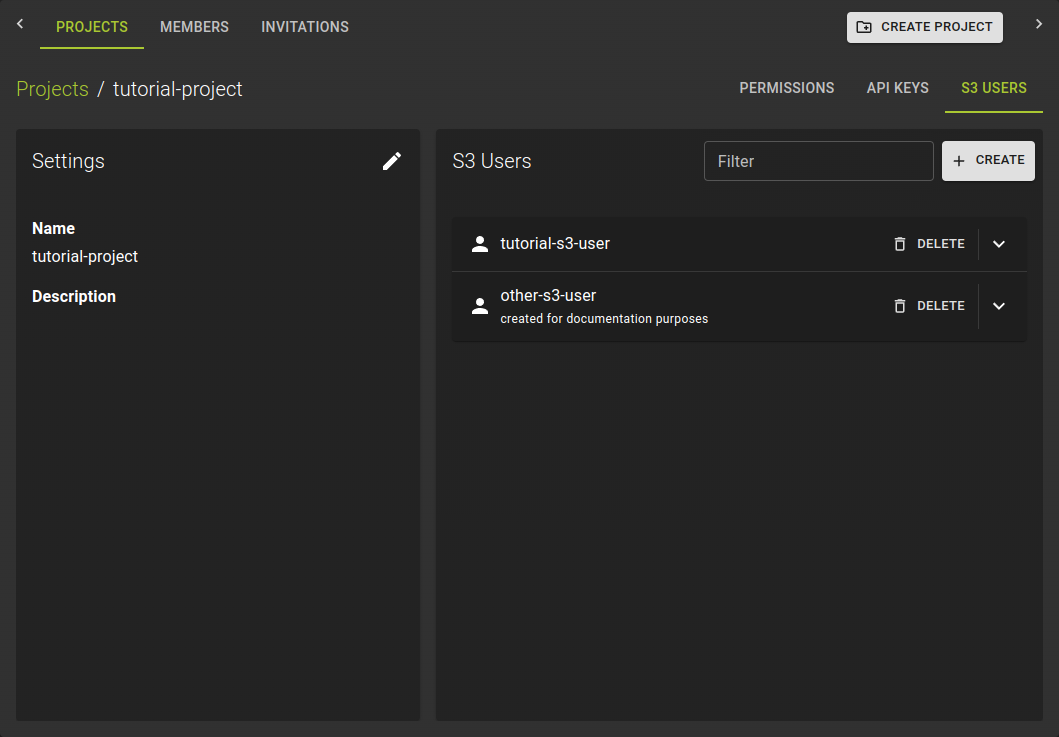 To list all S3 users, navigate to the details page of a project within your organization and switch to the S3 Users tab.
Create S3 User and Credentials
Permission required
- You will need the necessary permissions to perform this operation.
- For details refer to the authorization model
To create an S3 user:
- Navigate to the details page of a project
- Switch to the S3 Users tab
- Click the Create button
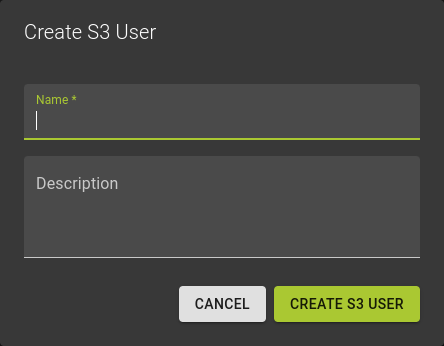 In the emerging dialog:
- Provide a name
- Optionally a description
- Confirm the operation by clicking Create S3 User
This creates the S3 user alongside the first set of credentials.
Manage Credentials
Permission required
- You will need the necessary permissions to perform this operation.
- For details refer to the authorization model
Each S3 user can hold separate credentials. You can create and revoke credentials individually without affecting the S3 user itself.
Add Credentials
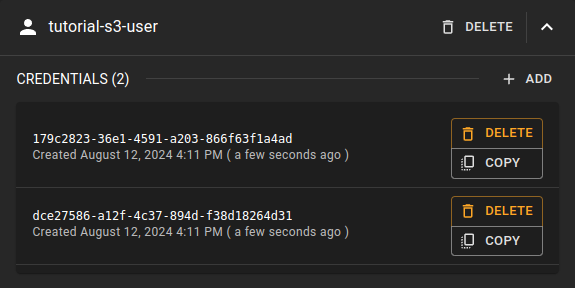 To create a new set of credentials, click the
 Add option. This creates new credentials you can copy right away.
Copy Credentials
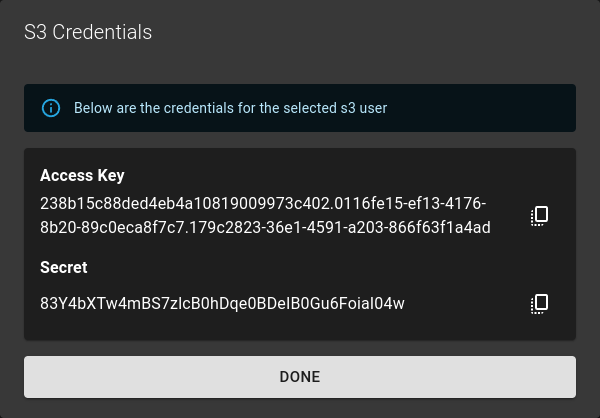 To copy the user credentials, click the :material-copy-content: copy button.
Delete Credentials
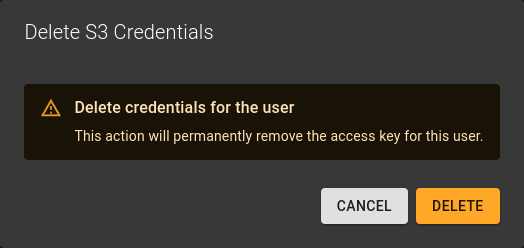 To delete credentials, click the delete option next to the credential.
Confirm the operation in the emerging dialog by clicking Delete .
Delete S3 User
Permission required
- You will need the necessary permissions to perform this operation.
- For details refer to the authorization model
Warning
Deleting an S3 user also deletes all buckets and the objects within. You cannot undo this operation.
To delete an S3 user:
- Navigate to the details page of the project the S3 user belongs to
- Switch to the S3 Users tab
- Identify the S3 user you want to delete and click the
DELETEoption in the entry title bar
Confirm the operation in the emerging dialog by clicking the Delete button.