Two-Factor Authentication
IAM supports two-factor authentication (2FA TOTP) for user accounts to enhance account security.
Overview
2FA adds a layer of security to your account by requiring a second form of authentication beyond your password. We support TOTP (Time-based One-Time Password) tokens.
Enabling 2FA
IdP Federation
2FA as outlined here is not managed administratively but configured by users themselves. To enable 2FA administratively, connect your IdP to our platform.
Once the domain of the account you are using to login is federated, you will not be able to configure 2FA as outlined here. 2FA is then managed by the federated IdP.
- Login to the Dashboard.
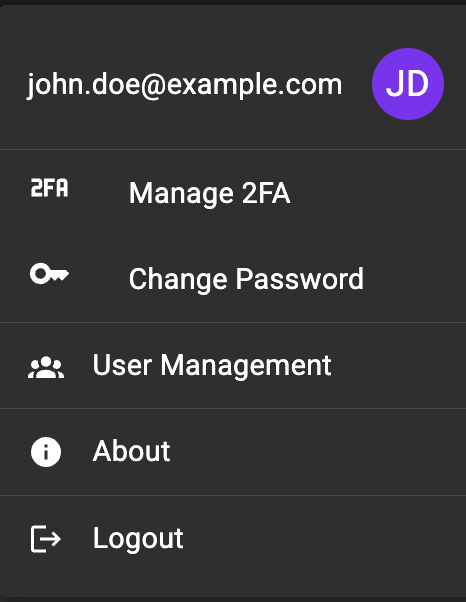
- From the navigation menu, click on the user icon in the top right corner.

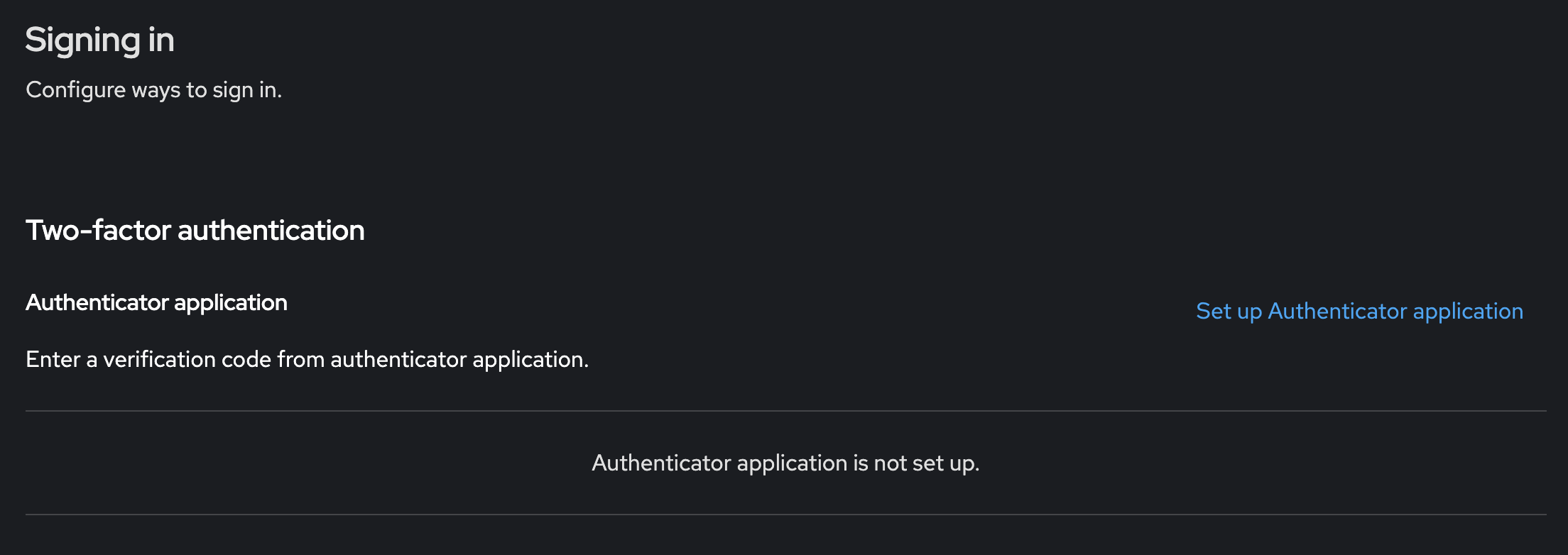
- In the account menu, click on "Manage 2FA". Keycloak opens its account console.
- Click on "Set up authenticator application".
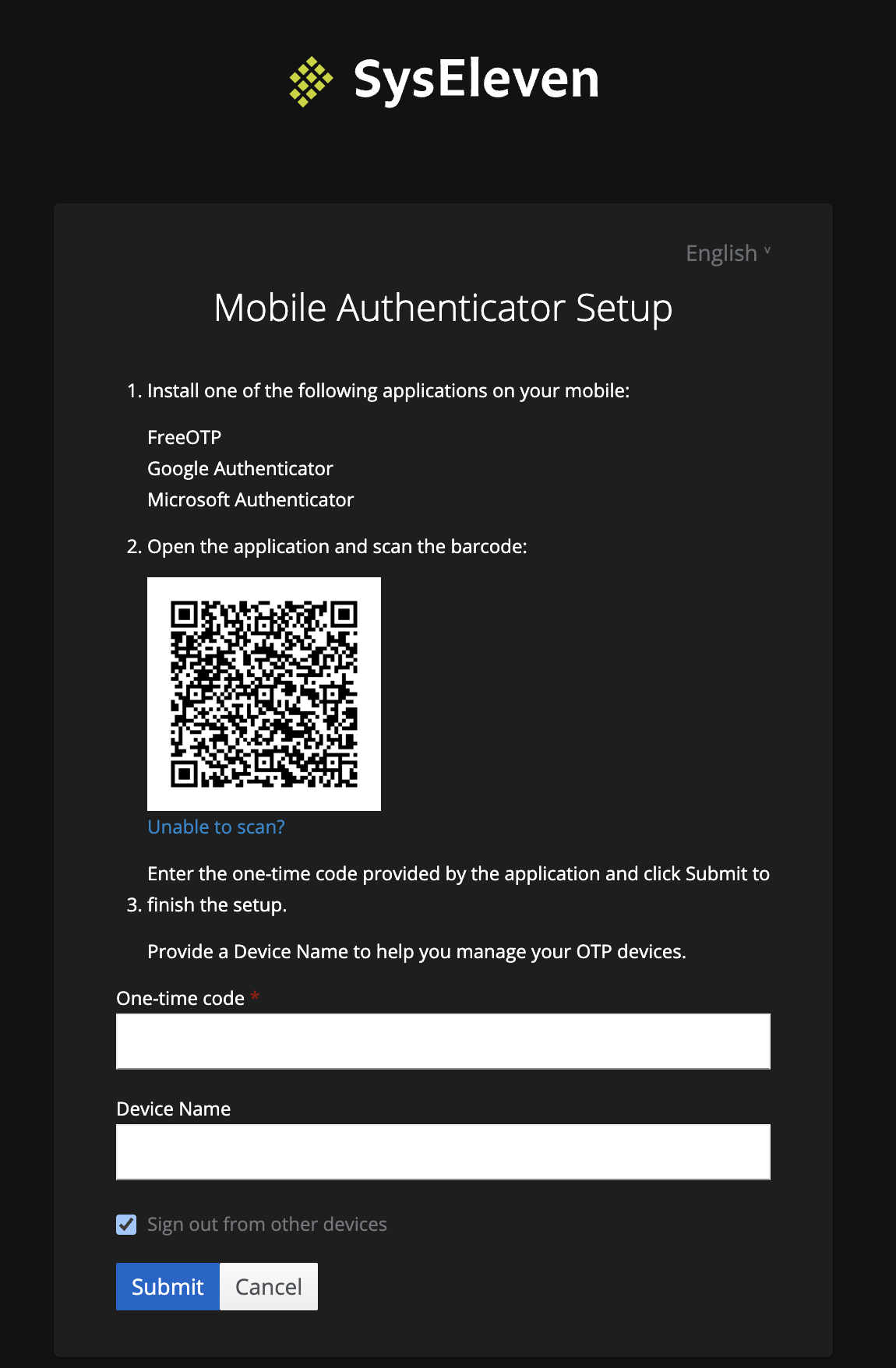
- Follow the instructions on the screen to set up your authenticator application.
The next time you login, you enter a 2FA token.