SysEleven OpenStack Cloud - VPNaaS - Endpoint Groups 95%
Concepts
VPN Endpoint Groups in OpenStack allow you to define and manage collections of endpoints, such as local and remote subnets, within a VPN connection. By grouping these endpoints, you streamline the configuration and management of VPN connections, ensuring efficient and secure traffic routing between different network segments.
List Endpoint Groups
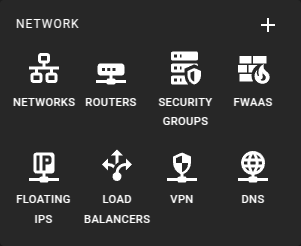 To get a list of the Endpoint Groups in a region you can click on the VPN icon in the sidebar.
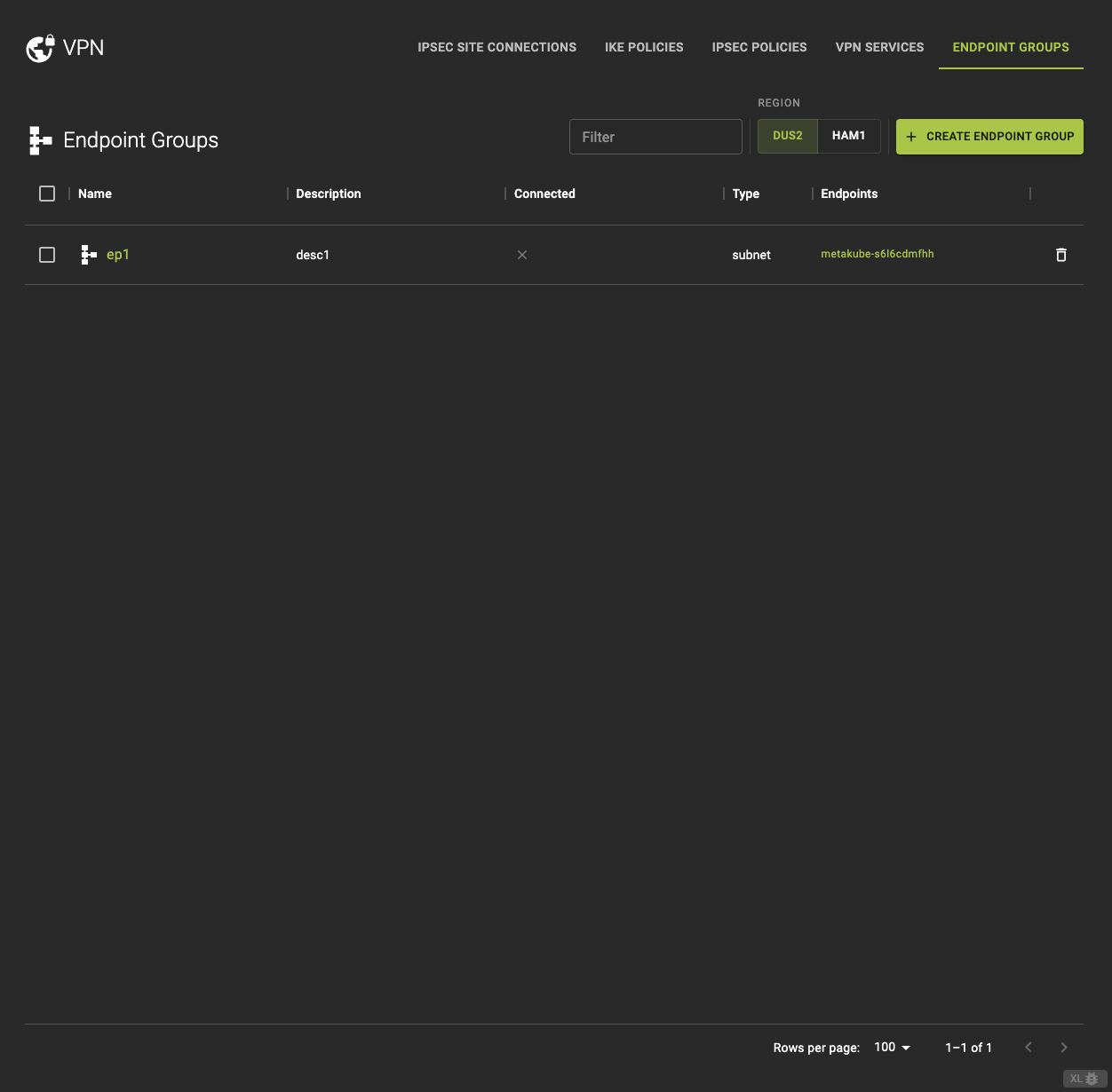 From the VPN Endpoint Groups tab, you can
- View detailed information by clicking on the name or ID in the list.
- Access the associated endpoint if the type is
subnet - Delete the endpoint.
Usage
openstack vpn endpoint group list
Output
+--------------------------------------+-------------------+--------+-------------------------+
| ID                                   | Name              | Type   | Endpoints               |
+--------------------------------------+-------------------+--------+-------------------------+
| 9a3f1c2d-4b1e-45cd-bd7e-1234567890ab | endpoint-group-1  | subnet | ["192.168.1.0/24"]      |
| 5b2d3e4f-6c7d-8e9f-ab1c-9876543210cd | endpoint-group-2  | cidr   | ["10.0.0.0/8"]          |
| 7d8e9f0a-1b2c-3d4e-5f6g-abcdef012345 | endpoint-group-3  | subnet | ["172.16.0.0/16"]       |
+--------------------------------------+-------------------+--------+-------------------------+
Create A Endpoint Group
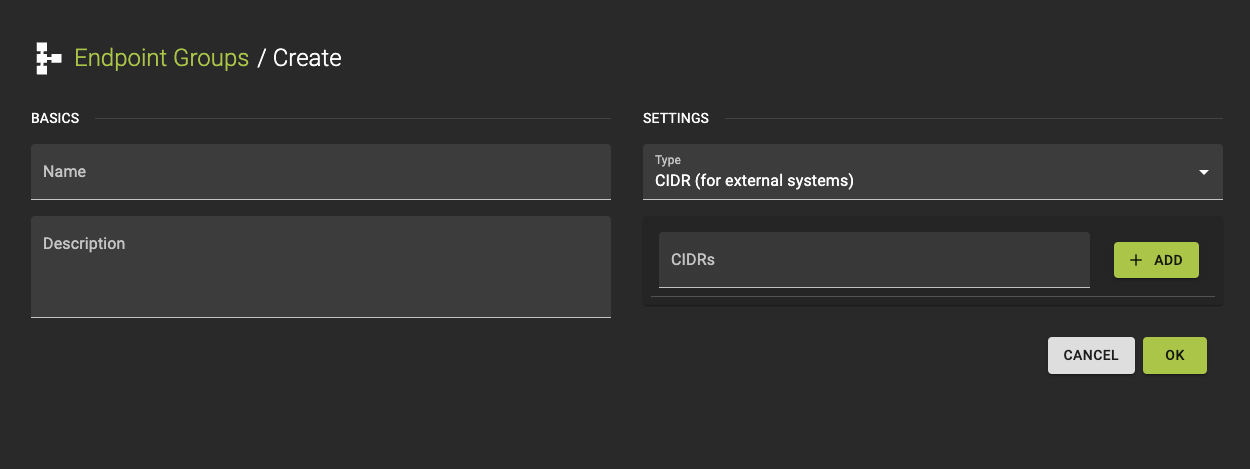 To create a new VPN Endpoint Group, click the Create Endpoint Group option in the VPN Endpoint Group tab.
- Provide a name and a Description.
-
Configure Settings
- Select the Endpoint Type (subnet or CIDR).
- Depending on the selected type:
- Choose a Subnet if subnet is selected. (for local endpoints)
- Define one or more CIDR block if CIDR is selected. (for remote endpoints)
-
Review your settings and click create to finalize the service setup.
Usage
openstack vpn endpoint group create
    [--description <description>]
    --type TYPE
    --value ENDPOINTS
    <name>
--description <description>¶- Description for the endpoint group
--type <TYPE>- Type of endpoints in group (e.g. subnet, cidr)
--value <ENDPOINTS>- Endpoint(s) for the group. Must all be of the same type. (–value) option can be repeated
<name>- Name for the endpoint group
Inspect and modify a Endpoint Group
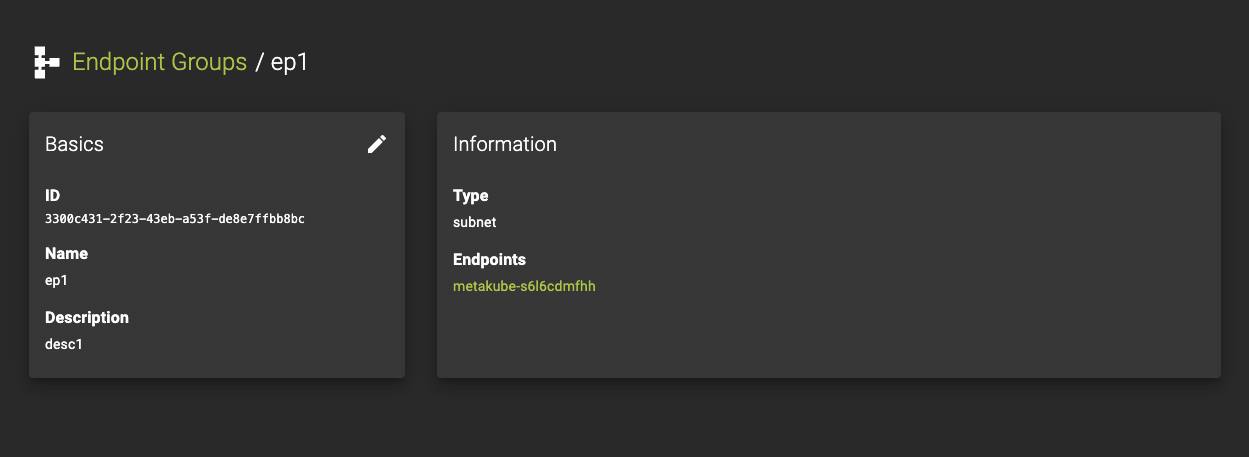 To view the details of a VPN Endpoint Group, select an entry from the VPN Endpoint Groups list.
On the details page, you can:
- Inspect the current settings.
- Direct access to the associated endpoint if the type is
subnet. - Edit the VPN Endpoint Group by clicking the button. This will allow you to access and modify the configurable parameters.
Usage
openstack vpn endpoint group set
    [--description <description>]
    [--name <name>]
    <endpoint-group>
--description <description>- Description for the endpoint group
--name <name>- Set a name for the endpoint group
<endpoint-group>- Endpoint group to set (name or ID)
Delete Endpoint Group
Prerequisites
To delete a VPN Endpoint Group, you must first ensure that it is no longer associated with any active VPN connections or services.
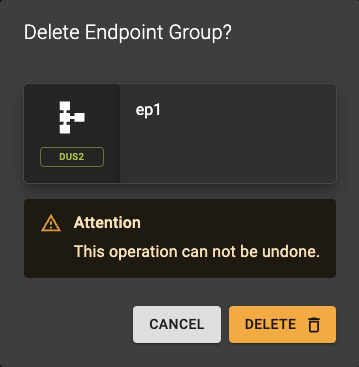 To delete a group, go to the VPN Endpoint Groups list and click the action button.
A confirmation prompt will appear to confirm the deletion.
Usage
openstack vpn endpoint group delete
    <endpoint-group>
    [<endpoint-group> ...]
<endpoint-group>- Endpoint group(s) to delete (name or ID)
- Also takes a list of identifiers or names for bulk deletion