SysEleven OpenStack Cloud - Flavors
Concepts
Flavors define the compute, memory, and storage capacity of computing instances. To put it simply, a flavor is an available hardware configuration for a server. It defines the size of a virtual server that can be launched.
List Flavors
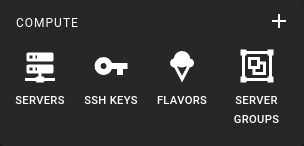 To get a list of all flavors in a region you can click on the Flavors icon in the sidebar.
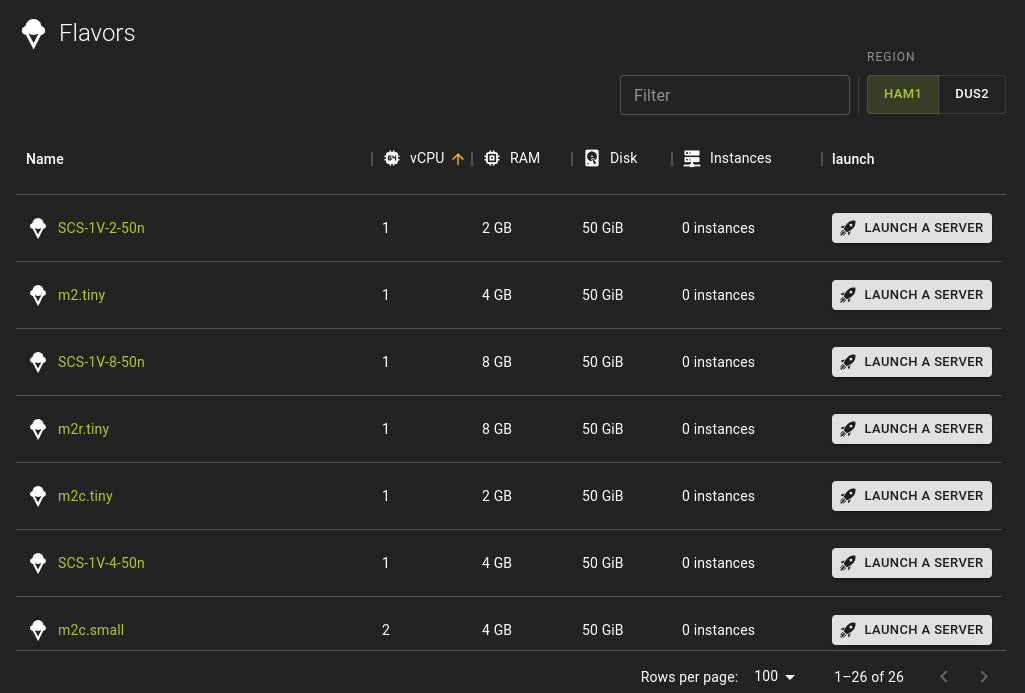 This is an overview of all defined flavors. You can sort the table by columns or filter the table to quickly identify flavors that meet your criteria.
Each flavor is listed with a launch a server button that will initiate the "create server" workflow with the flavor preselected.
Example
You may also refer to our listing of flavors.
Select Flavor
You can select the flavor of a virtual server during the creation of a server or you can attempt to resize an existing server later albeit the latter has constraints.
For new servers:
- You can select the flavor during the server creation workflow
- Or you can use the launch a server button in the list of flavors which will take you to the server creation workflow using your selected flavor.
For existing servers:
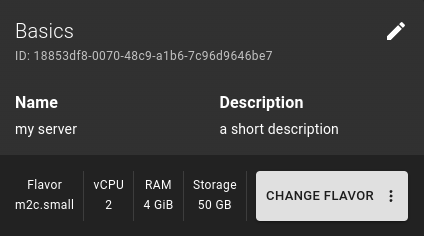 You can select the Change Flavor option on the servers detail page. This will allow you to select a new flavor. However the new flavor must be defining a configuration that is larger than the current flavor. A resize of a server will recreate the server using the selected flavor but will carry over existing storage of your server.
Inspect Flavor
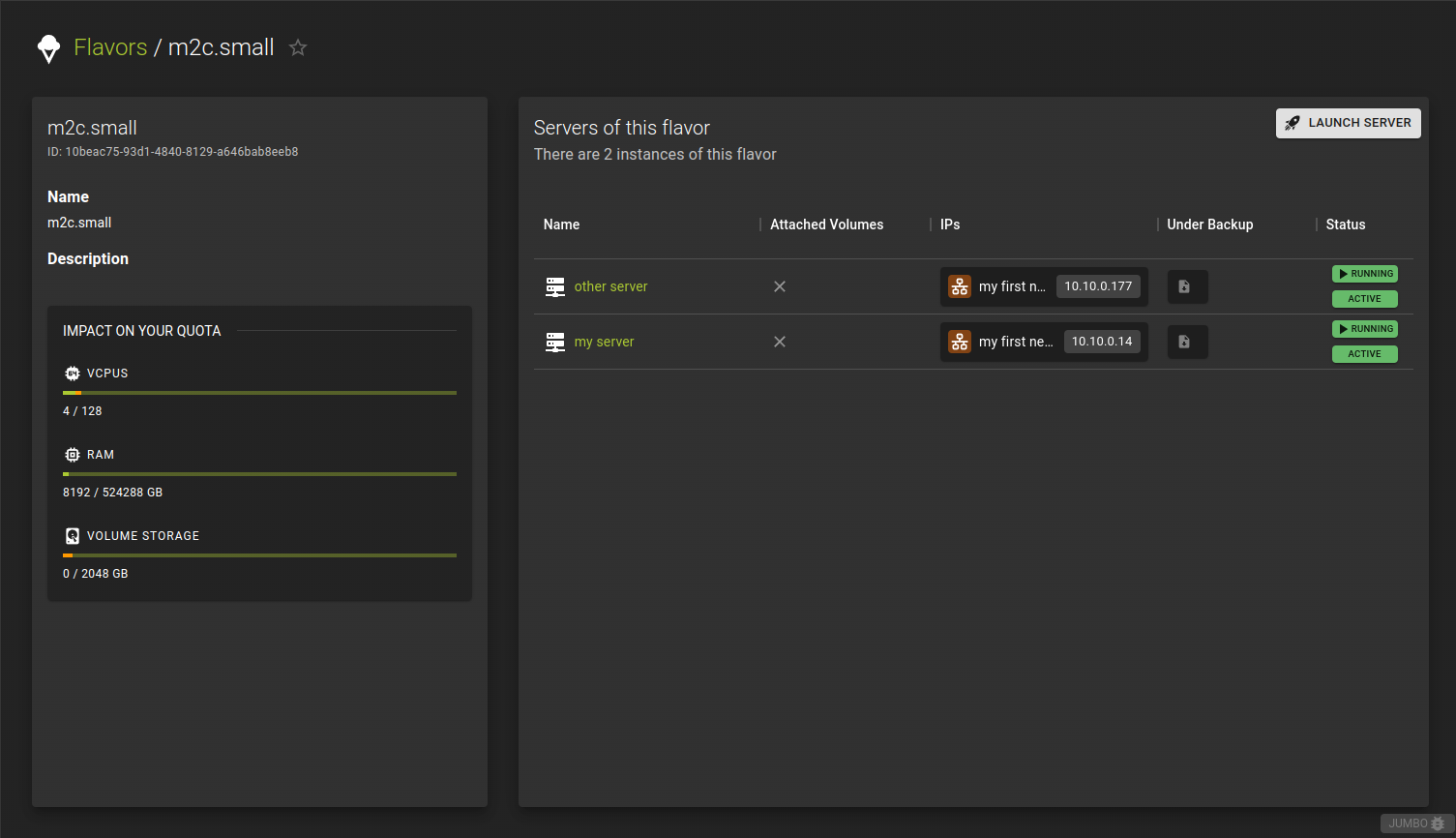 The detail page for a flavor allows you to
- inspect the resource impact per instance
- list servers that are of the selected flavor.
- create an instance from this flavor using the Launch server option. This will take you to the server creation workflow with the flavor being preselected.
Usage
openstack flavor show <flavor>
<flavor>- Identifier of the flavor you want to show details for
Example