S3 Users
To access object storage you need an S3 user. All buckets created and the objects within belong to that S3 user.
S3 users are created in the scope of a project.
S3 users can have a set of credentials that can be shared with others and can be invalidated individually.
Object storage improvements
We're currently working on improving the object storage experience. Further information will follow.
List S3 Users
Permission required
- You will need the necessary permissions to perform this operation.
- For details refer to the authorization model
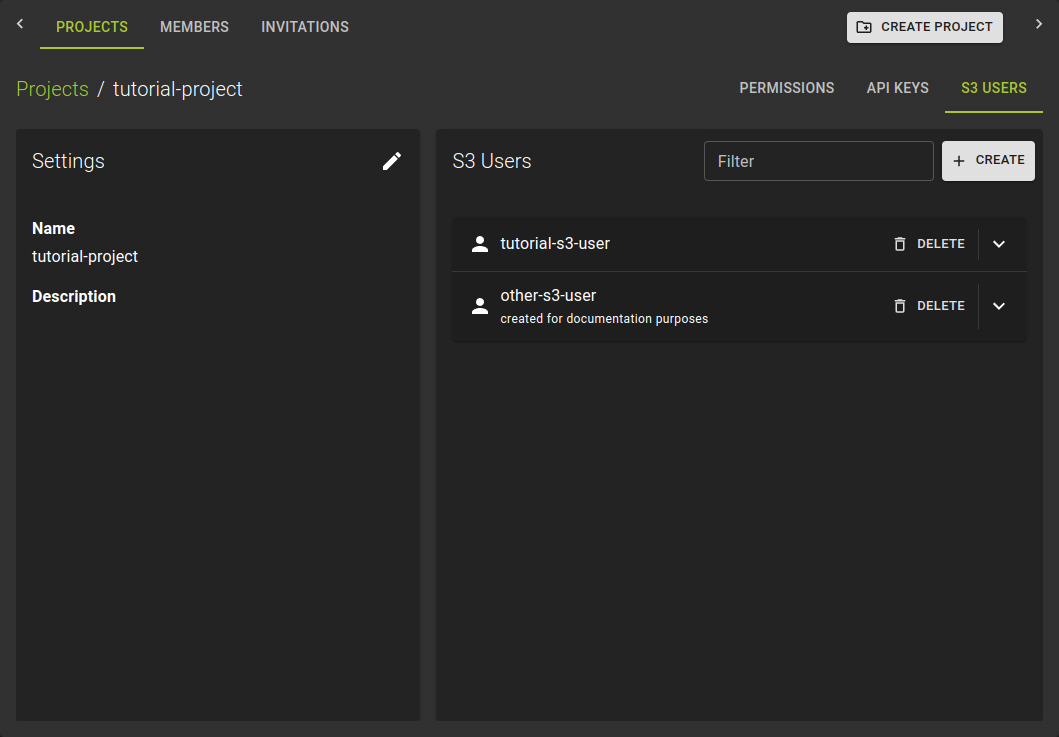 To list all S3 users navigate to the details page of a project within your organization and switch to the S3 Users tab.
Create S3 User and credentials
Permission required
- You will need the necessary permissions to perform this operation.
- For details refer to the authorization model
To create an S3 user:
- Navigate to the defails page of a project
- Switch to S3 Users tab
- Click on the Create button
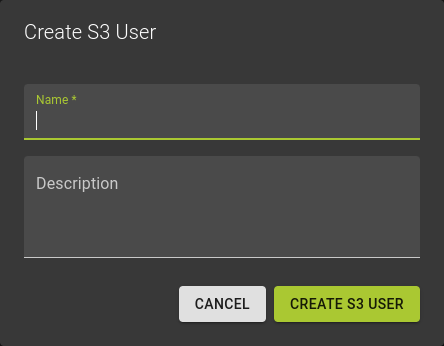 In the emerging dialog simply:
- Provide a name
- Optionally a description
- Confirm the operation by clicking Create S3 User
This will create the S3 user alongside the first set of credentials.
Managing Credentials
Permission required
- You will need the necessary permissions to perform this operation.
- For details refer to the authorization model
Each S3 User can have multiple credentials. Credentials can be created and revoked individually without affecting the S3 user itself.
Add Credentials
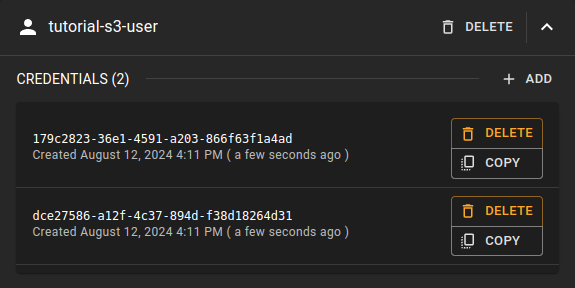 To create a new set of credentials click on the
 Add option.
This will immediately create new credentials that you can copy.
Copy Credenitals
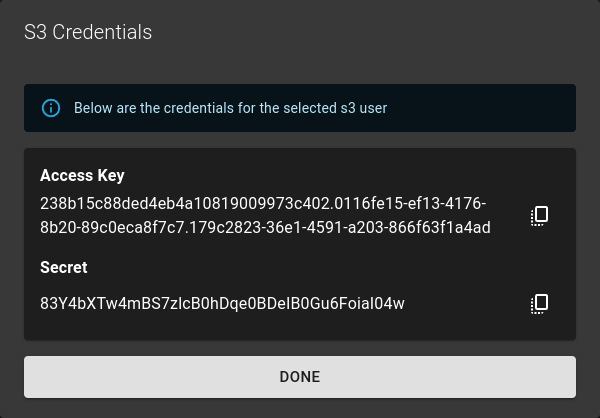 To copy credentials of the user simply click the :material-copy-content: copy button
Delete Credenitals
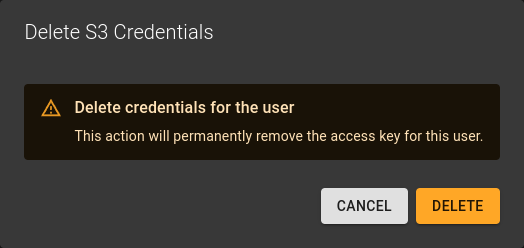 To delete credentials simply click on the delete option next to the credential.
Confirm the operation in the emerging dialog by clicking Delete
Delete S3 User
Permission required
- You will need the necessary permissions to perform this operation.
- For details refer to the authorization model
Warning
- Deleting an S3 user ALSO deletes all buckets and the objects within.
- The operation can not be reverted
To delete an S3 User
- Navigate to the details page of the project the s3 user belongs to
- Switch to the tab S3 Users.
- Identify the S3 user you want to delete and click the
DELETEoption in the entries title bar.
Confirm the operation in the emerging dialog by clicking the Delete button.